




How to Transfer an SSD to a New Computer
You can transfer an SSD to a new computer by physically installing the drive in the new machine, or by cloning its contents onto a different drive with software. Which one you need depends on your setup: moving the same SSD into new hardware is a…
Computer Not Recognizing Your SSD? Here’s How to Find the Problem and Fix It
A computer that won’t recognize an SSD is almost never a sign the drive is dead. In most cases it comes down to one of three things: a loose or wrong connection, a drive that Windows hasn’t been told to use yet, or a BIOS setting that keeps…
SSD Showing Less Space Than It Has? Here’s Why, and How to Fix It
Your SSD is almost certainly fine. A 1TB drive showing about 931GB in Windows is normal, because drive makers count storage in decimal while Windows counts in binary. The drive holds every byte you paid for; only the label changes. If the gap is bigger…
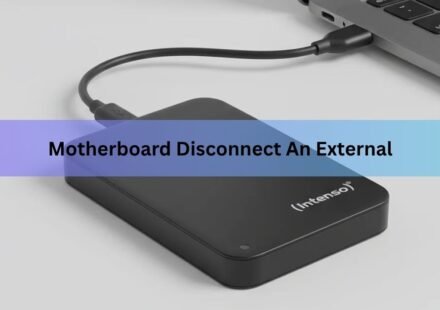
Why Is My Motherboard Disconnecting My External SSD? Causes and Fixes
When a motherboard disconnects an external SSD, the most likely culprit is Windows power management. A feature called USB selective suspend puts the port into a low-power state when the drive sits idle, and sometimes the port does not come back cleanly,…
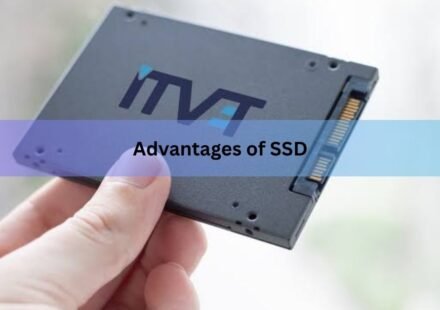
Advantages of SSD: Speed, Reliability, and More
SSDs are faster, more reliable, more compact, and more power-efficient than the hard drives they replaced. That one sentence covers the core of it. But because storage decisions involve real money and affect how your computer feels to use every single…
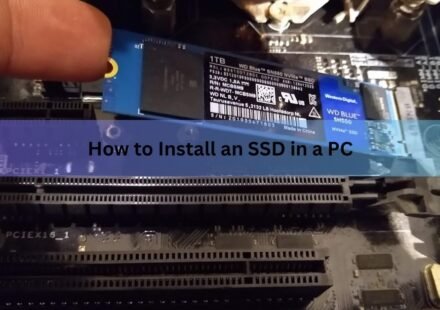
How to Install an SSD in a PC: Step-by-Step for M.2 NVMe and SATA Drives
Installing an SSD in a desktop PC takes about 15 minutes and requires only a Phillips screwdriver. Seat the drive in the right slot, secure it, put the panel back on, boot the computer, and then spend a minute formatting the drive in Windows so it shows…
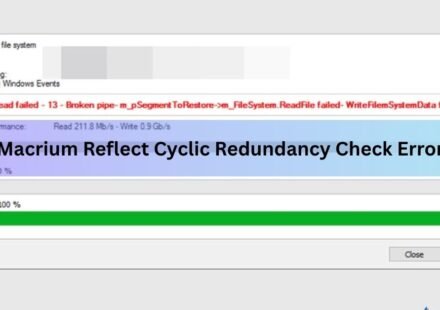
Macrium Reflect Cyclic Redundancy Check Error on SSD: How to Fix It
A cyclic redundancy check (CRC) error in Macrium Reflect almost always means the software hit a sector on your SSD it could not read. The backup or clone stops, and Macrium logs the message: Backup aborted! Unable to read from disk — Error Code 23 — Data…
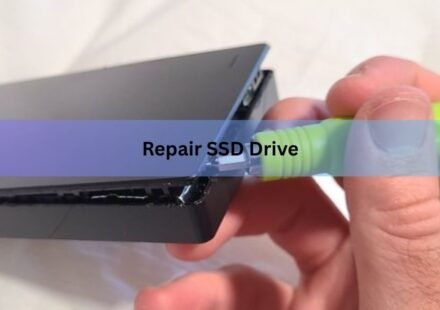
How to Repair an SSD Drive: Step-by-Step Fixes That Actually Work
Most SSD problems are fixable at home. The vast majority of issues, from sluggish performance to a drive that won’t mount, come down to software or firmware errors rather than hardware failure. Fix the right thing, and the drive often comes back to…
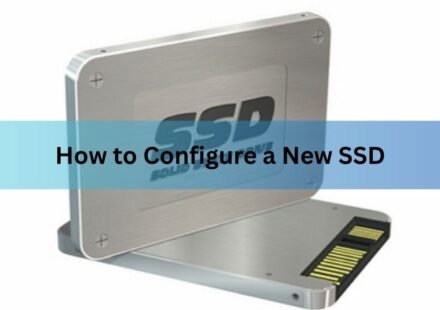
How to Configure a New SSD: A Plain Setup Guide for Windows
Setting up a new SSD takes four steps. Install the drive, initialize it in Windows Disk Management, create a partition, and format it. After that it shows up in File Explorer with its own drive letter and you can start saving files. The whole thing takes…
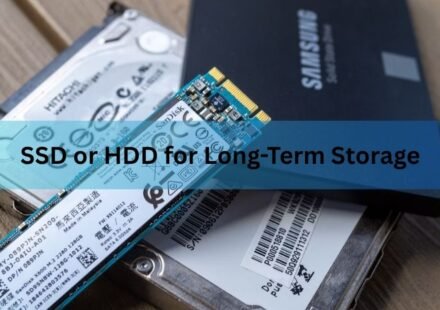
SSD or HDD for Long-Term Storage: Which Drive Keeps Your Data Safe?
For long-term storage, a hard drive (HDD) is the safer and cheaper bet. An SSD is faster and tougher against drops, but it has a quiet weakness: leave it unplugged for months and it can slowly start to lose your data. A hard drive holds its data far…