What to Do After Installing a New SSD: Your First-Day Checklist

You have fitted the drive and closed the case. Now what? After you install a new SSD, the short version is this: confirm your PC sees it, then either install Windows fresh onto it or clone your old drive, set it as the boot disk, and make sure the…
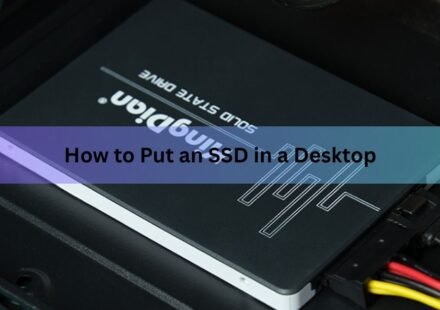
How to Put an SSD in a Desktop PC
Installing an SSD in a desktop takes about 15 minutes and needs one screwdriver. Power the PC off, unplug it, open the side panel, then either slide an M.2 drive into a slot on the motherboard or bolt a 2.5-inch drive into a bay and run two cables to it.…
How to Initialize an SSD (Windows and Mac, Step by Step)
A brand-new SSD usually won’t show up in File Explorer or Finder until you initialize it. Initializing just means telling your operating system how the drive is laid out, so it can build partitions on it and store files. On Windows you do this in…
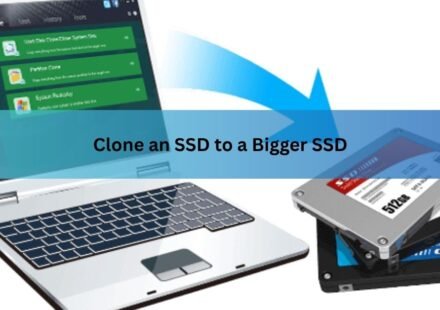
How to Clone an SSD to a Bigger SSD (2026): A Step-by-Step Guide
Cloning an SSD to a bigger SSD copies everything on your current drive, the operating system, your programs, your settings, and every file, onto a larger one, so the new drive boots and behaves exactly like the old one. You do not reinstall Windows and…
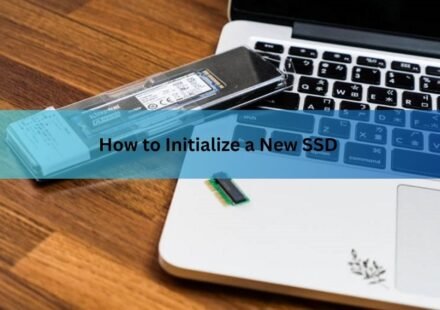
How to Initialize a New SSD on Windows and Mac (and Fix One That Won’t Show Up)
To initialize a new SSD on Windows, right-click the Start button, open Disk Management, right-click the disk marked “Not Initialized,” choose Initialize Disk, select GPT, and click OK. Then right-click the unallocated space, pick New Simple…
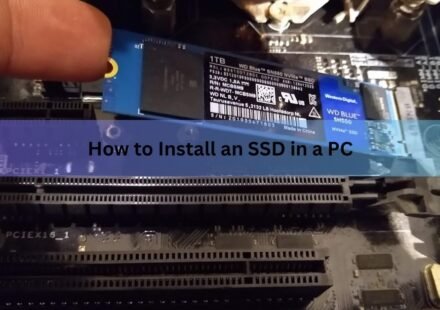
How to Install an SSD in a PC: Step-by-Step for M.2 NVMe and SATA Drives
Installing an SSD in a desktop PC takes about 15 minutes and requires only a Phillips screwdriver. Seat the drive in the right slot, secure it, put the panel back on, boot the computer, and then spend a minute formatting the drive in Windows so it shows…