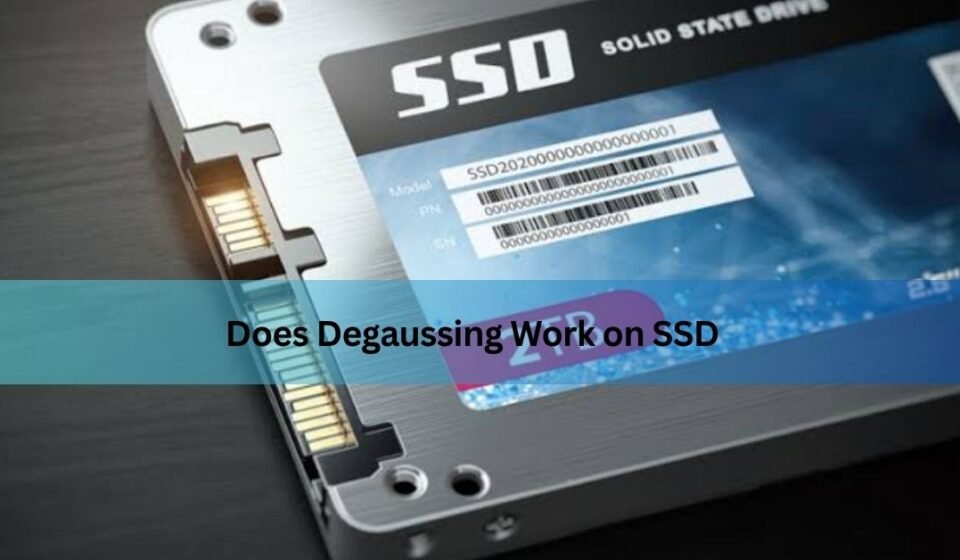

If you have ever needed to wipe an old hard drive, you have probably heard of degaussing the process of using a powerful magnetic device to scramble the data on a storage disk. It has been a trusted method for decades, especially in offices and IT departments that need to dispose of old equipment safely. So naturally, when people move on to solid-state drives (SSDs), they often ask the same question: does degaussing work on SSD storage the same way it works on a traditional hard drive?
The short answer is no. Degaussing does not work on SSDs, and using it on one will not erase a single byte of your data. If you’re wondering why, or you’re trying to figure out how to actually erase an SSD safely, this guide walks through everything in plain, simple language.
What Is Degaussing?
Degaussing is a data destruction technique that uses a strong magnetic field to disrupt and randomize the magnetic patterns stored on a device. Traditional storage devices like hard disk drives (HDDs), magnetic tapes, and floppy disks record information by aligning tiny magnetic particles in specific patterns on a spinning platter or tape. A degausser generates an intense magnetic field that scrambles these particles, making the previously stored data unreadable.
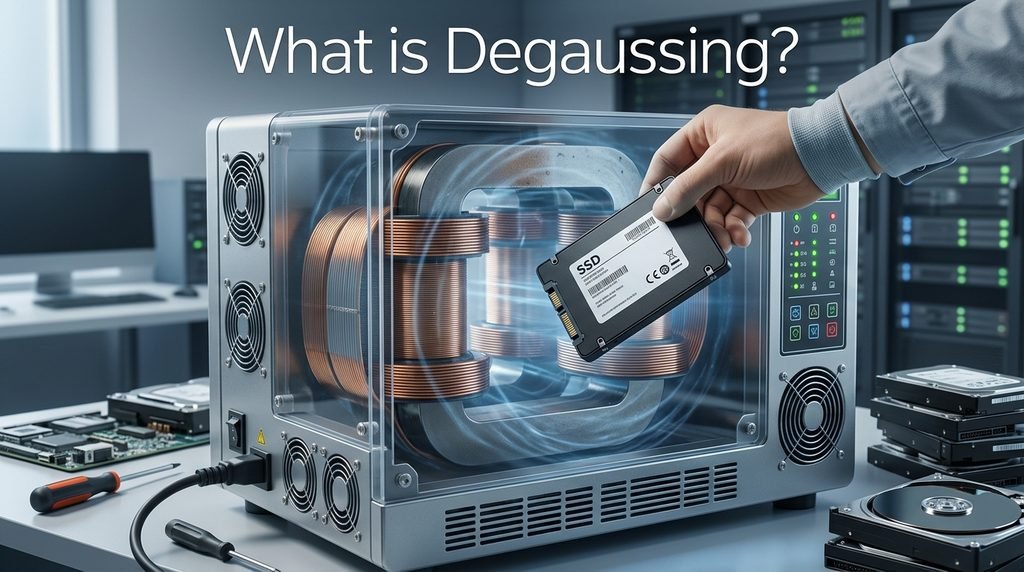
This method became popular because it is fast, doesn’t require software, and can wipe an entire drive in seconds. Government agencies, banks, and IT recycling companies have relied on degaussing for years as a go-to method for destroying sensitive data on magnetic media before disposal.
How SSDs Store Data (And Why That Changes Everything)
To understand why degaussing fails on SSDs, it helps to know how these drives actually store information. Unlike an HDD, an SSD has no spinning disk, no read/write head, and no magnetic coating. Instead, it stores data electronically inside NAND flash memory chips.
Each memory cell inside an SSD holds data as an electrical charge, not a magnetic orientation. Whether a cell represents a 0 or a 1 depends on the presence or absence of trapped electrons in that cell, controlled by the drive’s internal controller. There is nothing magnetic about this process at all.
Here’s a simple side-by-side look at the difference:
| Feature | HDD (Hard Disk Drive) | SSD (Solid-State Drive) |
| Storage medium | Magnetic spinning platters | NAND flash memory chips |
| Data representation | Magnetic polarity | Electrical charge |
| Moving parts | Yes (spinning disk, read/write arm) | No moving parts |
| Affected by magnets | Yes | No |
| Erased by degaussing | Yes | No |
Because an SSD’s data isn’t stored magnetically in the first place, there is simply nothing for a degausser’s magnetic field to act on.
Why Degaussing Doesn’t Work on SSDs
The core reason degaussing doesn’t work on SSD drives comes down to physics: you cannot use a magnetic process to erase data that was never stored magnetically. A degausser can only rearrange magnetic domains, and an SSD has none.
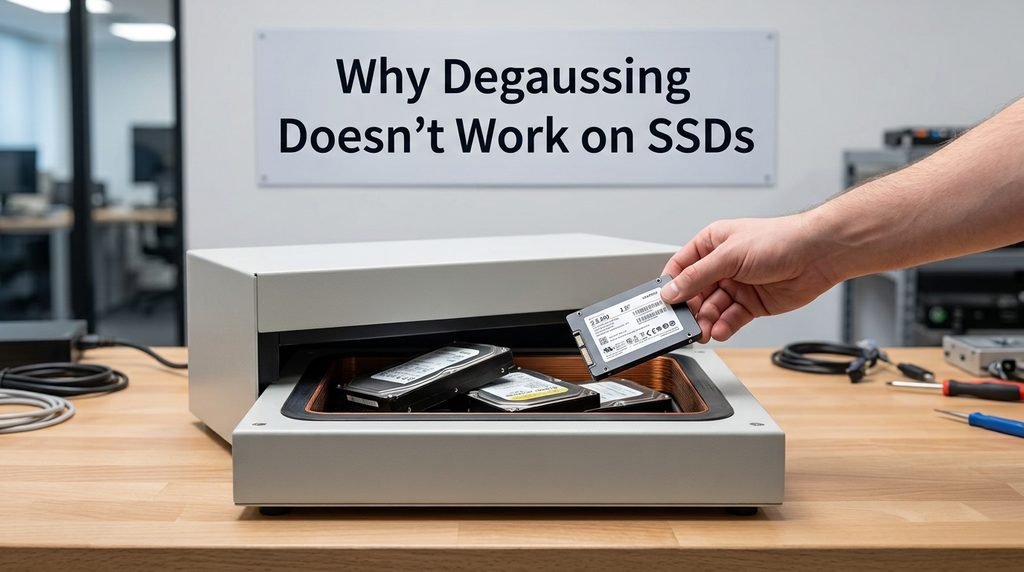
This creates a serious practical risk. Someone who assumes degaussing has “wiped” their SSD may throw it away, sell it, or hand it off for recycling all while the data sits completely intact and recoverable inside the flash chips. In a business setting, this kind of mistake could lead to a major data breach, exposing customer records, financial information, or confidential company files to whoever ends up with the drive next.
In short, degaussing an SSD gives you the illusion of security without any of the actual protection.
What Happens If You Try to Degauss an SSD Anyway?
Some people still attempt it, either out of habit or because they assume “a magnet is a magnet.” Here’s what actually happens when you run an SSD through a degausser:
- No data erasure occurs. The files, photos, documents, and system data remain fully readable by anyone with the right tools.
- The drive’s electronics may be damaged. While the flash memory itself is unaffected, the strong magnetic field can potentially damage the SSD’s controller chip, capacitors, or other electronic components.
- The drive may stop working, but data can still be extracted. A damaged controller might make the SSD unreadable through normal means, but forensic data recovery specialists can often extract the raw data directly from the NAND chips, since the information was never actually destroyed.
This is arguably the worst outcome possible: you lose the ability to use the drive, but the sensitive data is still technically recoverable by someone determined enough.
Correct Ways to Securely Erase an SSD
If degaussing is off the table, what actually works? Fortunately, there are several reliable, industry-approved methods designed specifically for flash storage.
1. ATA Secure Erase / NVMe Secure Erase
Most modern SSDs support a built-in firmware-level command called Secure Erase. When triggered, the drive’s own controller resets every memory cell to its factory blank state. This is one of the fastest and most trustworthy ways to erase an SSD, since it’s built directly into the hardware rather than relying on external software.
2. Cryptographic Erase
Many SSDs, especially self-encrypting drives (SEDs), automatically encrypt all stored data using an internal key. A cryptographic erase simply destroys that encryption key. Without it, the data on the drive becomes permanently unreadable, even though the underlying bits are technically still there.
3. Manufacturer Erase Utilities
Most SSD brands provide free official tools for secure data wiping, such as:
- Samsung Magician
- Crucial Storage Executive
- Western Digital SSD Dashboard
- Kingston SSD Manager
These tools are built to work safely with each manufacturer’s specific flash memory architecture.
4. Third-Party Data Destruction Software
Enterprise IT teams often use dedicated data-wiping software that follows recognized standards (like NIST 800-88) to verify and certify that data has been completely destroyed — useful for compliance and audit purposes.
5. Physical Destruction
For the highest level of security, particularly with highly sensitive or classified data, physically shredding or crushing the SSD into small fragments ensures the NAND chips themselves are destroyed beyond any possibility of recovery.
HDD vs. SSD Data Destruction: Quick Comparison
| Method | Works on HDD | Works on SSD |
| Degaussing | ✅ Yes | ❌ No |
| Formatting (quick) | ⚠️ Data still recoverable | ⚠️ Data still recoverable |
| ATA/NVMe Secure Erase | ❌ Not applicable | ✅ Yes |
| Cryptographic Erase | ⚠️ Only if encrypted | ✅ Yes (if SED) |
| Physical Destruction | ✅ Yes | ✅ Yes |
When Should You Use Each Method?
For personal users simply retiring an old laptop or upgrading to a new drive, running a manufacturer’s Secure Erase tool is usually more than enough to protect your privacy. It’s quick, free, and reliable.
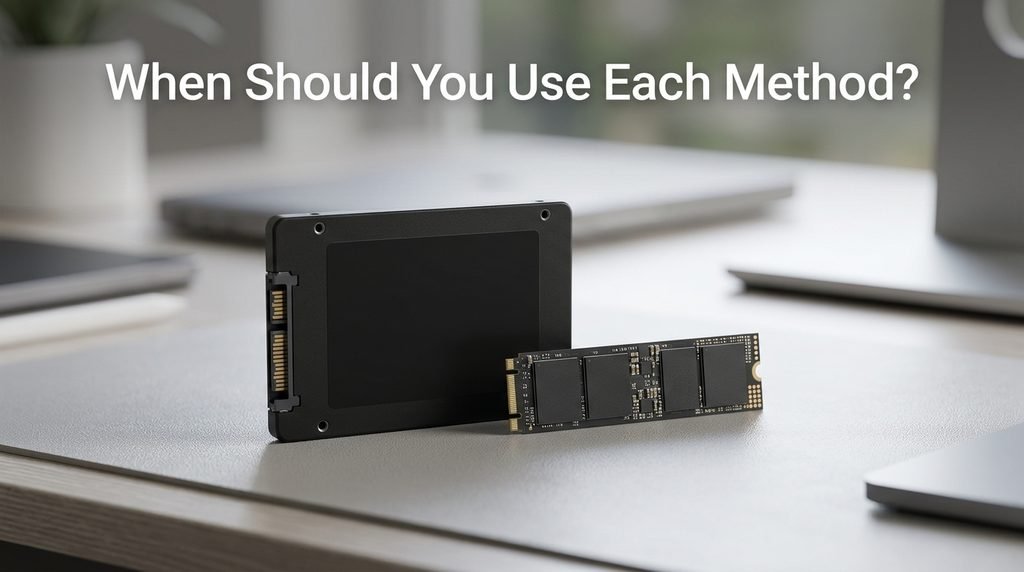
For businesses, especially those handling customer data, financial records, or anything subject to compliance regulations, a more rigorous approach is recommended. Following the NIST 800-88 guidelines for media sanitization — and keeping documented proof of erasure — helps meet legal and regulatory requirements while protecting the organization from data breach liability.
Frequently Asked Questions
Does degaussing damage an SSD? It can. While it won’t erase the data, the magnetic field may harm the drive’s internal electronics, potentially making it unusable — without actually destroying the stored information.
Can data be recovered after degaussing an SSD? Yes. Since degaussing has no effect on NAND flash memory, the original data typically remains fully intact and recoverable through standard or forensic methods.
Is formatting enough to erase an SSD? Not reliably. A quick format only removes references to the files in the file system; the actual data often remains on the flash chips until it’s overwritten or securely erased.
What’s the safest way to dispose of an old SSD? Use the drive’s built-in Secure Erase feature or a manufacturer’s official wiping tool, and for maximum peace of mind on highly sensitive drives, follow up with physical destruction.
Conclusion
To sum it up: degaussing does not work on SSDs. Because SSDs store data electronically in NAND flash memory rather than magnetically, a degausser has nothing to erase — and may only end up damaging the drive without protecting your data. If you’re looking to securely wipe an SSD, stick to purpose-built methods like ATA/NVMe Secure Erase, cryptographic erase, manufacturer tools, or physical destruction for the highest security needs. Choosing the right method isn’t just a technical detail — it’s what actually keeps your personal or business data safe once a drive leaves your hands.
Related Post:
Is There a Side Effect to Low Power NVMe SSD? A Complete, Easy-to-Understand Guide
Is 512GB SSD Enough? A Complete Guide for Every User Type
1TB vs 2TB SSD: Which One Do You Actually Need?