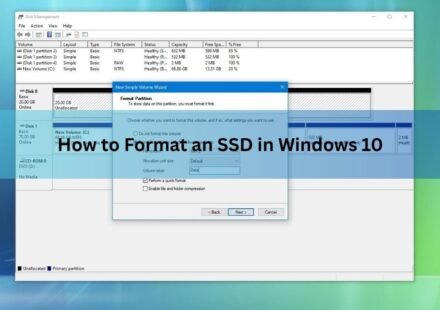
How to Format an SSD in Windows 10 (Step by Step)

Formatting an SSD in Windows 10 sets up a file system so the drive can store files, and it wipes whatever is on the drive now. The fastest way is File Explorer if the drive already has a letter like D: or E:. If the drive is brand new and shows as…
How to Partition an SSD: Windows, Mac, and When to Skip It
Partitioning an SSD takes about five minutes and needs no extra software. On Windows, open Disk Management, shrink an existing volume, and create a new one in the freed space. On a Mac, open Disk Utility and add an APFS volume. That is the whole job, and…
BitLocker SSD Won’t Format? Here’s How to Fix It (Step by Step)
A BitLocker SSD won’t format because Windows will not let you write to a volume that is locked or still encrypted. The drive isn’t broken and the data isn’t stuck to it forever. You just have to remove BitLocker first, either by unlocking and turning it…
How to Transfer an SSD to a New Computer
You can transfer an SSD to a new computer by physically installing the drive in the new machine, or by cloning its contents onto a different drive with software. Which one you need depends on your setup: moving the same SSD into new hardware is a…
Computer Not Recognizing Your SSD? Here’s How to Find the Problem and Fix It
A computer that won’t recognize an SSD is almost never a sign the drive is dead. In most cases it comes down to one of three things: a loose or wrong connection, a drive that Windows hasn’t been told to use yet, or a BIOS setting that keeps…
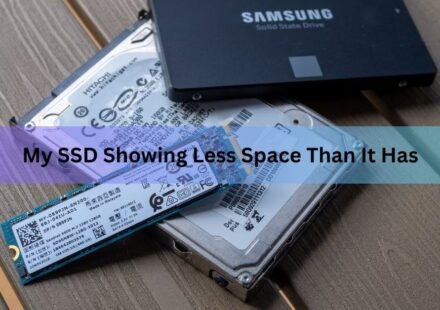
SSD Showing Less Space Than It Has? Here’s Why, and How to Fix It
Your SSD is almost certainly fine. A 1TB drive showing about 931GB in Windows is normal, because drive makers count storage in decimal while Windows counts in binary. The drive holds every byte you paid for; only the label changes. If the gap is bigger…
How to Configure a New SSD: A Plain Setup Guide for Windows
Setting up a new SSD takes four steps. Install the drive, initialize it in Windows Disk Management, create a partition, and format it. After that it shows up in File Explorer with its own drive letter and you can start saving files. The whole thing takes…
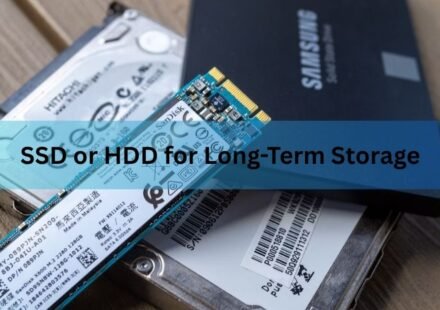
SSD or HDD for Long-Term Storage: Which Drive Keeps Your Data Safe?
For long-term storage, a hard drive (HDD) is the safer and cheaper bet. An SSD is faster and tougher against drops, but it has a quiet weakness: leave it unplugged for months and it can slowly start to lose your data. A hard drive holds its data far…
How to Format an SSD on Windows and Mac
To format an SSD, back up anything you want to keep, open Disk Management on Windows or Disk Utility on Mac, pick a file system, and run a quick format. The whole thing takes a couple of minutes. The part that trips people up is not the clicking. It is…