
So, what is the biggest SSD in the world right now? The current record sits at 245.76TB, held by drives like Micron’s 6600 ION and Kioxia’s LC9 series — a single solid-state drive that can store roughly a quarter of a petabyte. But before you go looking for one to slot into your desktop, it’s worth knowing that number tells only half the story. There’s a huge gap between the biggest SSD that technically exists and the biggest SSD any regular person could actually buy, install, and use, and almost nobody explains that gap clearly. This guide covers both sides of it.
What Is the Biggest SSD You Can Buy Right Now?
The largest commercially available SSDs today cluster right around 245TB, built by a handful of enterprise storage makers racing for the same milestone. Micron’s 6600 ION reaches 245.76TB, Kioxia’s LC9 series matches that figure in its largest configuration, and SK hynix has announced its own PS1101 drive in the same capacity class. These aren’t niche prototypes — they’re shipping or sampling products aimed squarely at hyperscale data centers and AI infrastructure providers who need to store enormous training datasets without burning through unreasonable amounts of rack space and power.
Here’s the catch: none of these drives are designed for a desktop or laptop. They use enterprise form factors like U.2, E1.S, and E1.L, built for server chassis with specific power, cooling, and connector requirements that consumer motherboards simply don’t have. You won’t find one on a retail shelf with a price tag, either — they’re sold directly to large organizations through enterprise sales channels, often before public pricing even exists. So when someone asks what the biggest SSD is, the honest answer requires two numbers: the record-holder, and the version of that record an actual person could put to use.
The Current Record-Holders, Compared
Several manufacturers are clustered at the top of the capacity race, and seeing them side by side makes the picture clearer than scattered specs ever could.
| Drive | Capacity | NAND Type | Interface | Intended Use |
| Micron 6600 ION | 245.76TB | QLC 3D NAND | PCIe NVMe (E1.L) | AI/ML data lakes, hyperscale storage |
| Kioxia LC9 Series | 245.76TB | QLC 3D NAND (BiCS8, 218-layer) | PCIe 5×4 NVMe (U.2/E1.S/E1.L) | Generative AI training, RAG pipelines |
| SK hynix PS1101 | ~245TB | QLC 3D NAND | PCIe NVMe | Enterprise data centers |
| Solidigm (2024-class) | 122TB | QLC 3D NAND | PCIe NVMe | Data center bulk storage |
| Phison Pascari D205V | 128TB | QLC 3D NAND | PCIe NVMe | Enterprise storage arrays |
Every drive on this list uses the same underlying strategy to reach these numbers: QLC NAND packed as densely as current manufacturing allows. The differences between them come down to raw read/write speed, endurance ratings, and which specific data center workloads each manufacturer is targeting.
How Did SSDs Get This Big? QLC NAND and Die-Stacking Explained
Getting an SSD to a quarter-petabyte comes down to two engineering tricks working together. The first is QLC NAND, short for quad-level cell, which stores four bits of data in each individual memory cell instead of the single bit that older, faster NAND types use. Packing more bits per cell means more data fits into the same physical space, at the cost of somewhat slower write speeds and lower endurance compared to NAND types built for speed rather than density.
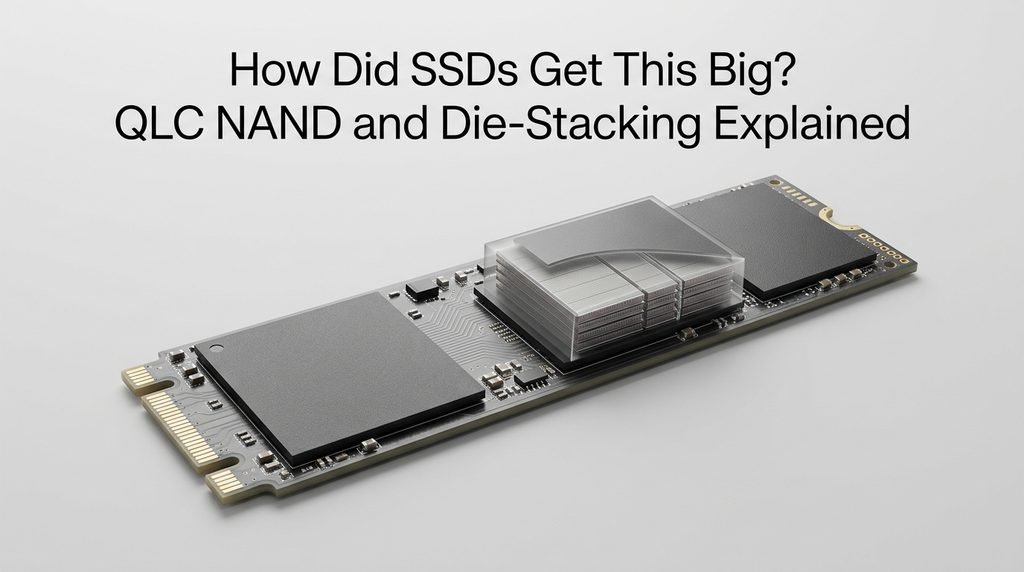
The second trick is stacking. Modern 3D NAND doesn’t lay memory cells flat across a chip — it builds them upward in layers, the way a skyscraper adds floors instead of spreading out across more land. Kioxia’s current-generation NAND uses 218 layers, and the company has already detailed a next-generation design with 332 layers on its roadmap. Manufacturers then take these already-dense chips and stack multiple dies on top of each other inside a single package — Kioxia’s approach stacks 32 individual 2-terabit dies to produce 8TB from one compact chip package, and a full 245TB drive uses roughly 30 of those packages working in parallel. Layer count, bits per cell, and die-stacking together are the entire story behind how a device the size of a large chocolate bar now holds more data than most companies generated in their first decade of existence.
How Fast Has SSD Capacity Grown? A Quick Timeline
The pace here is genuinely startling once you look at it in sequence. A decade ago, a “large” consumer SSD topped out around 1TB, and even enterprise drives rarely broke into double-digit terabytes. By the early 2020s, 8TB and 16TB enterprise SSDs were considered high-end. Late 2024 saw Phison and Solidigm both announce roughly 122TB drives within weeks of each other, effectively doubling the previous ceiling in a single news cycle. Less than a year later, Kioxia doubled that figure again with its 245.76TB LC9 series, and competitors matched the milestone within months. If that trajectory holds, drives well beyond 300TB are a realistic expectation before the decade is out, driven almost entirely by the appetite AI training workloads have for storing ever-larger datasets close to compute.
What Is the Biggest SSD You Can Actually Buy as a Consumer?
For anyone shopping for a drive to actually put in a PC, the real ceiling looks completely different from the enterprise record. As of 2026, the largest single-M.2 consumer SSD widely available is the 8TB tier — the Samsung 9100 Pro is a notable example, packing that capacity into a standard M.2 2280 slot while matching the performance profile of Samsung’s smaller 4TB model. A handful of other manufacturers offer similar 8TB drives in the same PCIe Gen5 generation, and 2.5-inch SATA enterprise SSDs from Intel, Samsung, and Micron reach into the 3.84TB to 15TB range for server and workstation use, though those sacrifice the raw speed of NVMe for broader compatibility.
The practical takeaway is that a well-equipped consumer or prosumer setup tops out at roughly 8TB per drive today, and reaching genuinely enterprise-scale capacity means moving to multi-drive arrays or NAS systems rather than hunting for a single drive that matches the data-center record. Nobody outside a hyperscaler is realistically installing a 245TB SSD, and no consumer motherboard could even provide the interface it needs.
What About the Biggest Hard Drive? A Quick Comparison
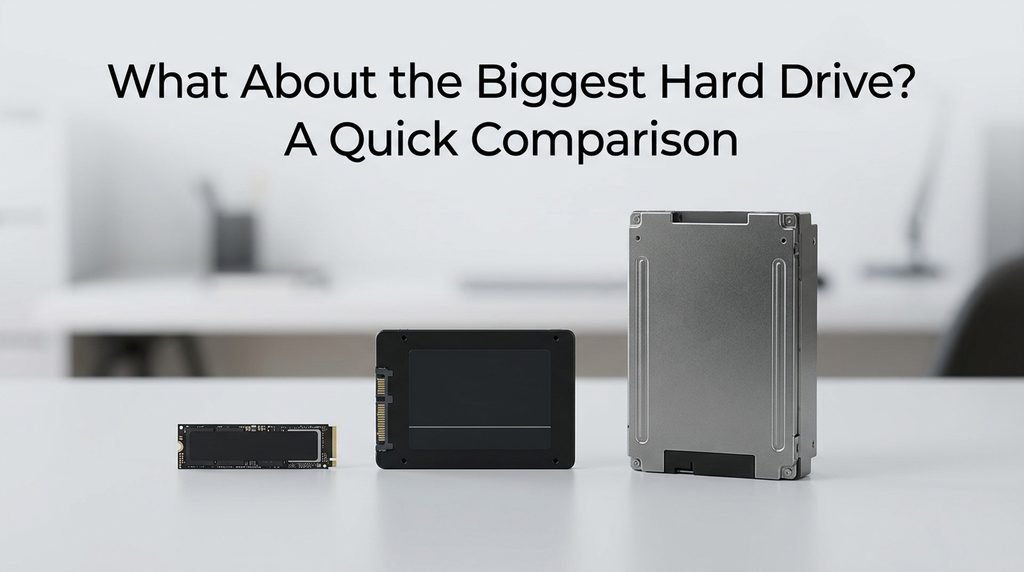
It’s worth pausing on how differently these two storage types scale, since the comparison often confuses people searching for “the biggest drive” in general. The largest hard drives on the market in 2026 sit in the 30–32TB range using HAMR (heat-assisted magnetic recording) technology, with Western Digital already shipping 40TB drives to select hyperscale customers and a 44TB HAMR model planned for 2027. That means the biggest SSD available today already stores roughly eight times more data than the biggest hard drive — a gap that would have seemed absurd just a few years ago, when HDDs still comfortably led SSDs in maximum capacity. SSDs have essentially inverted that relationship at the extreme high end, even though hard drives remain far cheaper per terabyte for bulk, cold storage.
Do You Actually Need That Much Storage?
Matching your storage decision to what you actually do is more useful than chasing the biggest number available:
- Everyday users (browsing, documents, photos): a 1TB to 2TB consumer SSD covers this comfortably for years.
- Gamers and creative professionals: a 2TB to 8TB NVMe drive handles large game libraries and active video or photo projects without constant shuffling.
- Small businesses and home labs: multiple 4TB to 8TB drives in a NAS array, rather than one massive drive, spread risk and add redundancy.
- AI researchers and data engineers working locally: high-capacity enterprise SSDs in the tens-of-terabytes range become relevant once local model training or large dataset caching enters the picture.
- Hyperscale data centers and AI infrastructure providers: this is the only tier where a 245TB-class drive genuinely makes sense.
What’s Next: Where SSD Capacity Is Headed
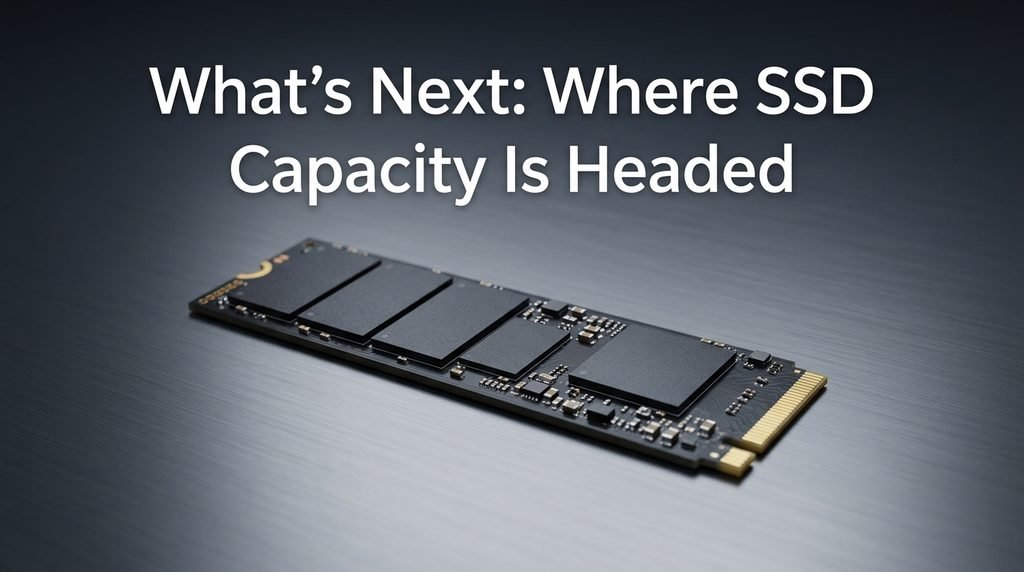
Kioxia has already outlined its next NAND generation at 332 layers, up from the current 218, which the company suggests could theoretically enable roughly 368TB drives using the same die-stacking approach as today’s record-holders. That figure is a forward-looking projection based on published NAND roadmaps rather than a confirmed product, so treat it as a strong signal of direction rather than a guaranteed release date. What does look certain is that the current 245TB ceiling won’t hold for long, and the driving force behind the next jump will almost certainly remain the same one pushing this entire race: the storage appetite of generative AI training and inference infrastructure.
Frequently Asked Questions
Can I buy a 245TB SSD for my PC? No. These drives use enterprise form factors like U.2 and E1.L that require server-grade connectors, power delivery, and cooling that consumer motherboards don’t provide, and they’re sold through enterprise channels directly to large organizations rather than retail. Even if you could source one, there would be no practical way to connect it to a standard desktop.
What’s the biggest M.2 SSD available for consumers? As of 2026, 8TB is the largest capacity available in a standard M.2 2280 form factor, with drives like the Samsung 9100 Pro leading that tier. Larger capacities exist only in 2.5-inch or enterprise form factors that won’t fit a typical M.2 slot.
Is the biggest SSD always the fastest? No, and often the opposite is closer to true. The 245TB-class drives prioritize capacity through QLC NAND, which trades some write speed and endurance for density. Kioxia’s own faster TLC-based enterprise drive actually outperforms its record-capacity LC9 series in raw bandwidth, since the two products are optimized for different jobs.
How much does the biggest SSD cost? Public pricing isn’t available for the 245TB-class drives, since they’re sold to enterprise and hyperscale customers through direct sales agreements rather than retail listings. What can be said with confidence is that a rack full of these drives is generally cheaper to operate at scale than the equivalent hard drive capacity, once reduced floor space, cooling, and power draw are factored into total cost of ownership.
Conclusion
The honest answer to what is the biggest SSD depends on which question you’re really asking. If you want the technical record, it’s a 245.76TB enterprise drive built for AI data centers, not desktops. If you’re shopping for your own machine, the realistic ceiling is closer to 8TB in a standard M.2 slot, with multi-drive arrays picking up the slack beyond that. Both answers are true at once the trick is knowing which one actually matters for what you’re trying to store.
Related Post:
Does Degaussing Work on SSD? The Complete Truth About Erasing Flash Drives
2230 vs 2280 SSD: Which Size Fits Your Device (and Is One Faster?)
1TB vs 2TB SSD: Which One Do You Actually Need?