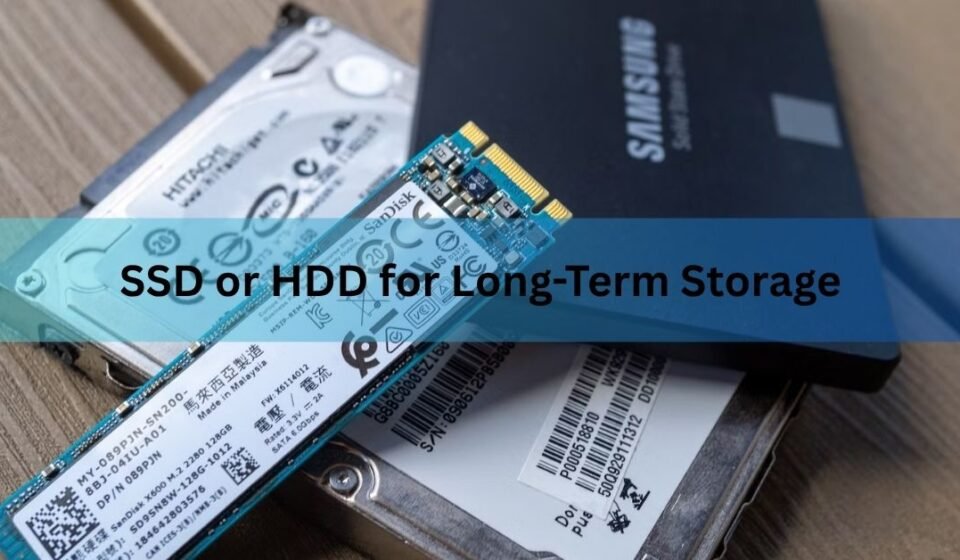

For long-term storage, a hard drive (HDD) is the safer and cheaper bet. An SSD is faster and tougher against drops, but it has a quiet weakness: leave it unplugged for months and it can slowly start to lose your data. A hard drive holds its data far longer while sitting on a shelf, and it costs a fraction as much per terabyte. If your goal is to park files and come back to them in a few years, the spinning drive wins.
That said, the drive you pick matters less than how you store your data. Two copies on two kinds of media beats one perfect drive every time. Here is the full picture, in plain terms.
SSD vs HDD at a glance
Both drives do the same job: they hold your files. The difference is how they hold them. A hard drive writes data onto spinning magnetic platters. An SSD stores it as tiny electric charges inside flash memory chips, with no moving parts. That single design choice drives every trade-off below.
| What matters | HDD (hard drive) | SSD (solid state) |
| Cost per terabyte | About $12 to $15 | About $90 to $110 |
| Holds data unplugged | Roughly 5 to 10 years | About 1 year when worn |
| Main failure risk | Motor or head seizes up | Charge leaks from cells |
| Survives drops | Poor, moving parts | Good, no moving parts |
| Biggest size you can buy | Up to 32TB | Pricey above 4TB |
| Best job | Bulk archive, backups | Boot drive, active files |
The table shows the split clearly. SSDs win on speed and toughness. HDDs win on price and on holding data while powered off, which is the whole point of an archive.
Why does an unplugged SSD lose data?
An SSD keeps your files as trapped electric charge inside billions of memory cells. That charge is not permanent. Over time it slowly leaks away, and when enough leaks out, the drive can no longer read the data back correctly. When the SSD has power, its built-in software quietly tops up and repairs those cells in the background. Pull the power, and that housekeeping stops.
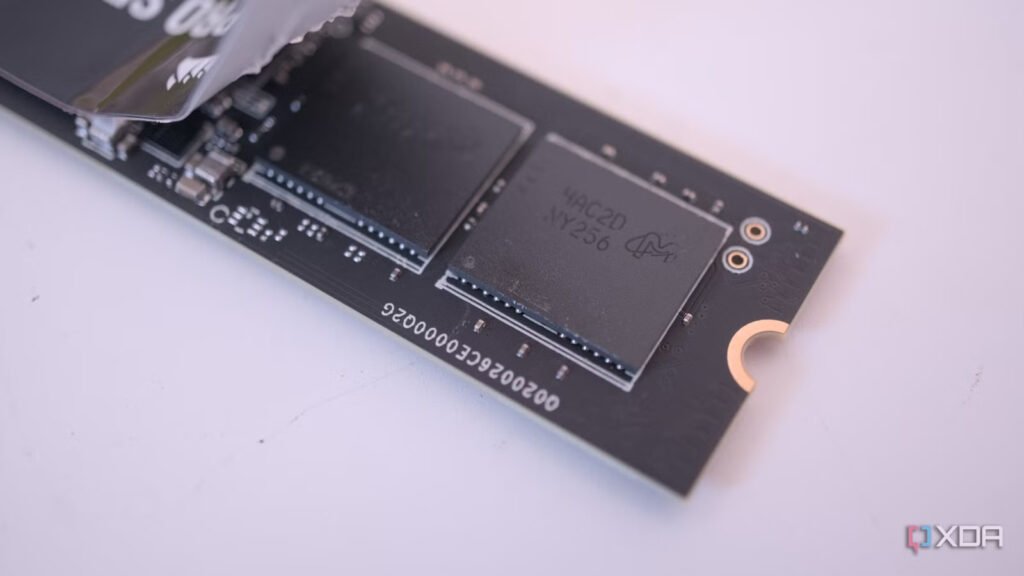
There is an actual industry figure for this. The standards group JEDEC, which sets the rules for memory devices, says a worn-out consumer SSD should hold its data for one year unplugged at 30°C (86°F). You can read the plain-English version on Crucial’s SSD data guide. A brand-new SSD does much better, often several years, but that buffer shrinks as the drive gets used.
Key point: the one-year figure is for a heavily used SSD. A fresh drive lasts longer, but the safe habit is to assume an SSD left in a drawer is not a reliable long-term archive.
A hard drive ages differently. Its magnetic platters hold data for years without power. The risk with an old HDD is mechanical: the motor or the read head can seize up after sitting idle too long. So both drives can fail on a shelf, just for different reasons and on different timelines.
How long does each drive really last?
There is no exact expiry date stamped on a drive, but the general pattern is steady. A hard drive sitting unpowered tends to keep its data for roughly five to ten years before magnetic fade or a stuck motor becomes a real worry. A worn SSD, by the standard above, is rated for about one year unplugged, though a lightly used one can stretch well beyond that.
Temperature is the hidden factor. Heat speeds up charge leak in an SSD and wear in any drive. A drive kept somewhere cool and dry will outlast the same drive baking in a hot attic or garage. Keep your archive at room temperature, out of direct sun, and away from damp.
Here is the catch that surprises people: both drives last much longer if you simply power them on once or twice a year. For an SSD, powering up lets the firmware refresh those leaking cells. For an HDD, spinning the motor keeps the bearings from seizing. A drive you check on now and then is a drive that lasts.
Which costs less for bulk storage?
This one is not close. As of 2026, a hard drive costs somewhere around $12 to $15 per terabyte, while an SSD runs closer to $90 to $110 per terabyte. That is a gap of roughly seven to eight times for the same amount of space.
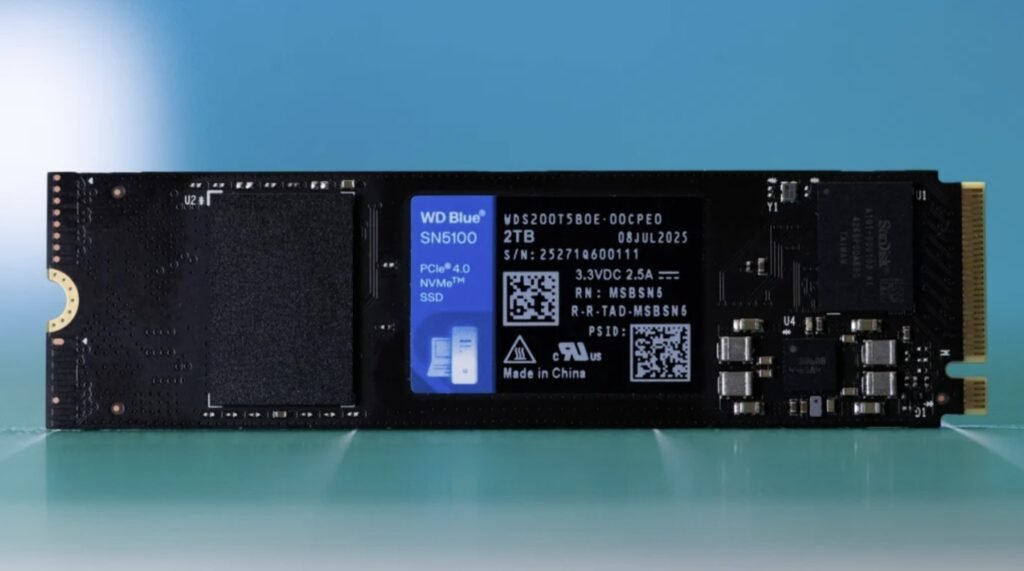
The gap got wider recently, not narrower. Demand for AI data centers has pushed flash memory prices up sharply since 2025, so SSD prices climbed while hard drive prices stayed mostly flat. The bigger the archive, the more this matters. Once you pass 4TB, hard drives win decisively, and above 8TB they are realistically the only affordable choice. A single 16TB hard drive can cost about the same as a 4TB SSD.
Quick math: if you are storing files you rarely touch, every dollar spent on an SSD buys you a fraction of the space a hard drive would. For a pure archive, that premium buys speed you will almost never use.
When does an SSD still make sense?
None of this means SSDs are bad. For the right job they are the better drive. An SSD shines when you actually use the files often, not when they sit untouched. Reach for an SSD in these cases:
- Your main drive: the operating system, apps, and games all feel faster on an SSD, and it stays powered, so leak is a non-issue.
- Files you carry around: an SSD has no moving parts, so it survives drops and bumps far better than a hard drive in a bag.
- Active projects: video editing, large photo libraries, and anything you open and save all day benefits from the speed.
The smart setup for many people is both: an SSD for the things you use every day, and a hard drive for the backups and archives you want to keep safe for years. You get speed where it helps and cheap, durable space where it counts.
How to store data so it actually survives
The honest truth is that no single drive is truly safe for the long haul. Any drive can fail without warning. The fix is not a better drive, it is a better habit. The simplest rule worth following is called 3-2-1:
- Keep three copies of anything you cannot stand to lose.
- Store them on two different types of media, for example one hard drive and one cloud backup.
- Keep one copy off-site, away from your home, in case of fire, theft, or flood.
On top of that, do two small things. First, power up your stored drives once or twice a year and let them run for a while. Second, open a few files each time to confirm they still read correctly. If a drive is starting to fail, you want to find out while you still have a backup, not years later when you finally need the data.
Do that, and the SSD-versus-HDD question stops being scary. The hard drive carries the bulk of your archive cheaply, a second copy covers you when something breaks, and a yearly check keeps everything readable. The drive type is just one piece. The habit is what saves your files.
Frequently asked questions
Can an SSD lose data if it is not plugged in?
Yes. An SSD stores data as electric charge that slowly leaks when the drive has no power. A heavily used SSD is rated to hold data for about one year unplugged. A newer one lasts longer, but it is not built for years of cold storage.
How often should I power on a drive I use for backups?
Once or twice a year is enough for most people. Powering up lets an SSD refresh its cells and keeps a hard drive’s motor from seizing. While it is on, open a few files to confirm they still read correctly.
Is an HDD really more reliable than an SSD?
For sitting unplugged, yes. A hard drive holds data for roughly five to ten years on a shelf, versus about one year for a worn SSD. For drops and daily speed, though, the SSD is the tougher, faster drive.
Why are SSDs so much more expensive than hard drives in 2026?
Demand from AI data centers pushed flash memory prices up sharply, so SSDs now cost roughly seven to eight times more per terabyte than hard drives. Hard drive prices stayed mostly flat, widening the gap for bulk storage.
What is the safest way to store important files long term?
Follow the 3-2-1 rule: three copies, on two types of media, with one stored off-site. No single drive is fully safe, so the backup habit matters more than which drive you buy.
Conclusion
For long-term storage, choose a hard drive. It holds data for years unplugged and costs far less per terabyte, while a worn SSD may start losing data after about a year off power. Save SSDs for your main drive and files you use often. Most important, keep at least two copies on two kinds of media, store one off-site, and power up your archive drives once or twice a year. A good result is simple: your files are still there, and still readable, whenever you go looking.
Related Post:
What Is an External SSD? A Plain-English Guide to Portable Solid-State Storage
Cannot See SSD When Plugged In to USB? Here’s How to Fix It
How to Format an SSD on Windows and Mac