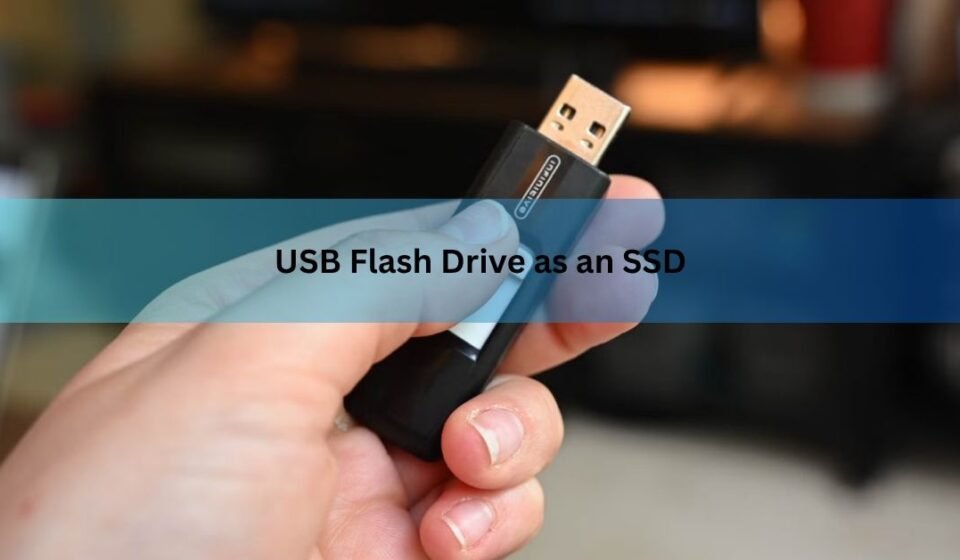

A USB flash drive can hold your files, boot an operating system, and even run a few light programs, but it is not the same thing as an SSD and will not behave like one. Both store data on flash memory, yet the controller, the memory quality, and the connection all pull them apart. A flash drive works fine for carrying files or a rescue system. For anything that writes data all day, like running Windows or installing games, a real SSD is the right tool. Here is exactly how they differ and when a flash drive is good enough.
Are a flash drive and an SSD the same thing?
No. They share one ingredient and part ways on almost everything else. Both a USB flash drive and an SSD store data on NAND flash, a type of chip that keeps your files with no moving parts. That shared chip is why the two get confused, and why a flash drive can technically do some jobs an SSD does.
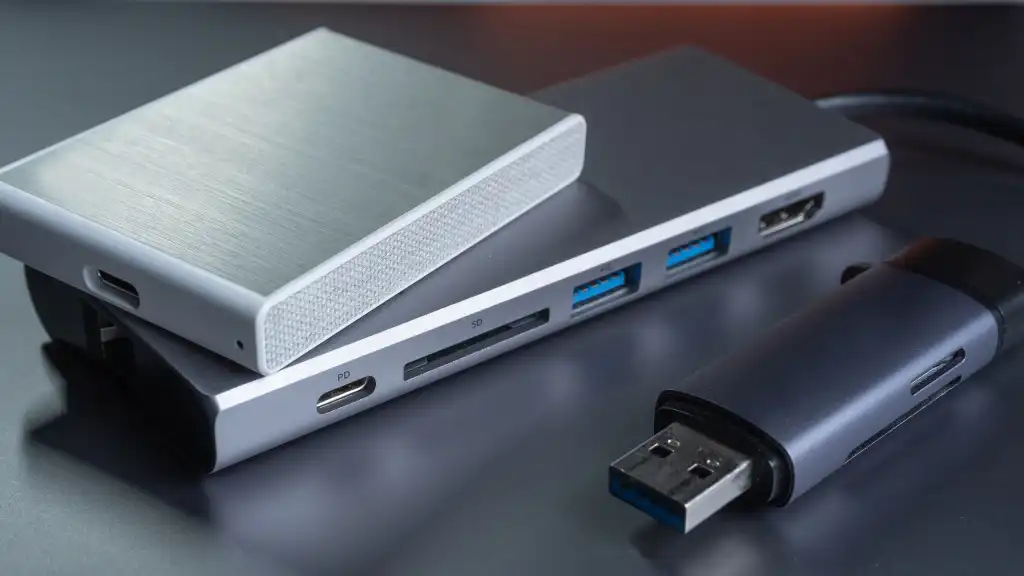
The gap shows up in three parts: the controller (the small chip that manages reads and writes), the grade of memory inside, and the interface that connects the drive to your computer. An SSD is built so all three work hard together. A flash drive is built to be small, cheap, and easy to carry. Those goals lead to very different behavior once you push the drive.
Think of it like a scooter and a motorcycle. Both have two wheels and an engine. One is fine for a quick trip down the block. The other is made to run at speed for hours. Using a flash drive as an SSD is like commuting on the scooter every day: it moves, but it wears out fast and struggles the moment the road gets serious.
What makes an SSD faster and tougher
The controller is the biggest reason. An SSD controller talks to several memory chips at once, spreading data across four or eight lanes at the same time, a bit like several checkout lines open in a store. A flash drive controller usually runs one or two lanes, so data lines up and waits its turn. This is why an SSD can keep writing large files at full speed while a flash drive slows to a crawl after the first burst.
The memory grade matters too. Cheaper drives lean on QLC memory, which packs four bits of data into each cell. That makes the chip hold more for less money, but each cell is slower to write and wears out sooner. Better SSDs use TLC memory (three bits per cell) or, on premium models, MLC (two bits). Fewer bits per cell means faster writes and a longer life. Flash drives almost always use the cheapest memory available to hit a low price.
Then there is the smart housekeeping an SSD does in the background. Two features do the heavy lifting:
Wear leveling spreads writes evenly across every cell so no single spot burns out early. TRIM clears out deleted data ahead of time so the drive stays fast. Most SSDs run both. Most flash drives run neither.
Without wear leveling, the same handful of cells get hammered over and over, and that is where a flash drive tends to fail first.
How much slower is a flash drive, really?
A lot, once you move past small file copies. A typical USB flash drive reads somewhere between 20 MB/s and 400 MB/s depending on its age and USB version. A SATA SSD runs around 500 MB/s, and a modern NVMe SSD (the fast M.2 stick inside recent laptops) can hit 5,000 MB/s or more. Even the slowest SSD is several times quicker than a fast flash drive under a steady load.
The catch is the word steady. Many flash drives post a decent read speed on the box and look fine when you copy one photo. Ask them to write a large folder or run a program that saves data constantly, and the speed drops hard once the small fast buffer fills. An SSD holds its speed because its controller and memory are built for that pressure.
Here is a rough comparison of the common options:
| Drive type | Typical read | Holds speed? | Endurance | Best for |
|---|---|---|---|---|
| USB flash drive | 20–400 MB/s | No | Low | File transfer, installers |
| SATA SSD | ~500 MB/s | Yes | High | Everyday system drive |
| NVMe SSD | 3,500–7,000 MB/s | Yes | High | Fast work, gaming |
| External SSD | ~500–1,050 MB/s | Yes | High | Portable heavy use |
Read speed sells drives, but write speed and endurance decide whether a drive survives real work. That difference is why a flash drive feels great for file transfers and frustrating as a working drive.
Can you install Windows on a flash drive?
Yes, you can, and it will boot. Whether you should is another matter. The setup is often called a portable Windows or a “Windows To Go” style drive, and tools like Rufus or WinToUSB can build one from a Windows ISO in under an hour. On a decent USB 3.2 flash drive, the desktop loads and basic apps like a browser or a text editor run well enough.
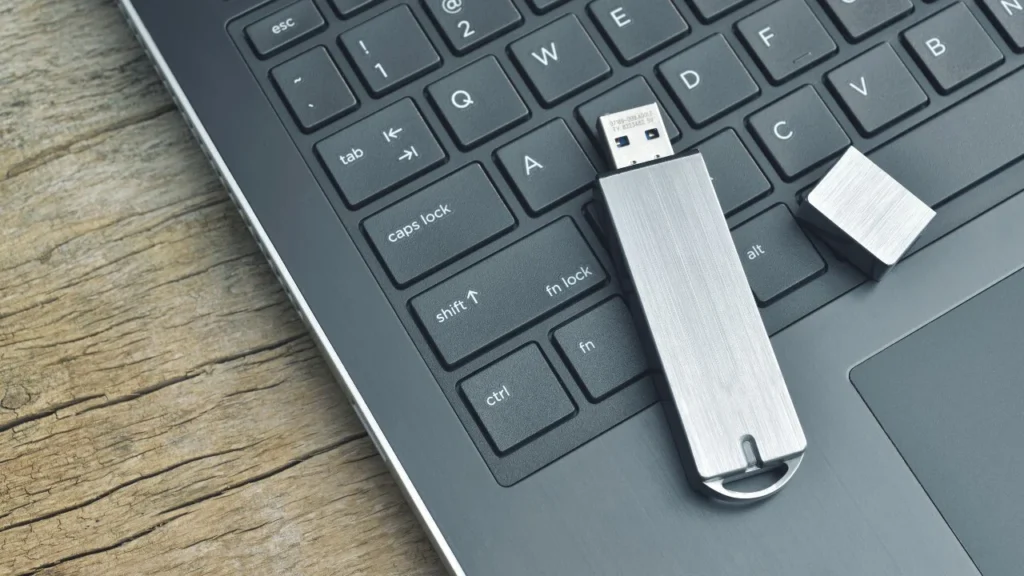
The trouble starts when you do more than one thing at once. Multitasking gets sluggish, updates take much longer to install than on an internal drive, and the system can stutter under load. Windows writes to its drive constantly (logs, updates, temporary files, page file), and that steady stream is exactly what a flash drive handles worst. Over months, all that writing can lead to slowdowns, instability, or corrupted data.
Microsoft’s own hardware bar for a bootable Windows drive gives you a useful yardstick. Its Windows To Go performance requirements asked for at least 2,000 random read and write operations per second and 80 MB/s sequential speed, numbers most cheap flash drives simply cannot hold. That is why the same job on an external SSD feels close to a normal PC, while the same job on a flash drive feels like a compromise.
A flash drive running Windows makes sense as a backup plan or a repair tool you keep in a drawer. As your everyday system, it will disappoint.
Can you run games from a flash drive?
You can install and launch many games from a flash drive, but load times will be long and some newer titles that demand an SSD will run poorly or refuse to behave. Games read large chunks of data quickly when they load a level or stream a world, and a flash drive cannot feed that data fast enough. Expect long loading screens and occasional stutter mid-game.
Reading data barely wears out flash memory, so a game library you mostly play (and rarely rewrite) is gentler on a drive than a full Windows install. Even so, the speed ceiling is the real limit. If a game lists an SSD as a requirement, it wants the throughput a flash drive does not have. An external SSD over USB is the better call for gaming on the go.
When a flash drive is genuinely the right choice
A flash drive shines at the jobs it was built for. It is small, cheap, and rugged with no moving parts, which makes it ideal for a whole set of everyday tasks. Reach for a flash drive when you want to:
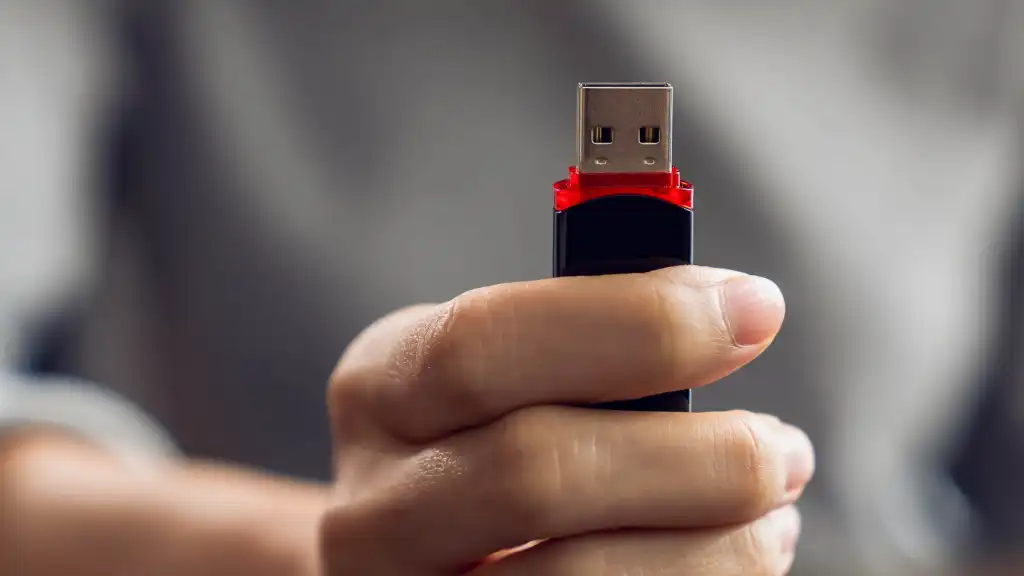
- Move files between computers quickly
- Carry documents, photos, or a presentation in your pocket
- Create a bootable installer for Windows or Linux
- Keep a repair or antivirus toolkit ready to boot
- Store a copy of files you do not change often
The common thread is that these tasks involve mostly reading data or writing it once in a while, not writing constantly. That plays to a flash drive’s strengths and sidesteps its weakness.
Where a flash drive falls short is any role with heavy, repeated writing: running an operating system, holding an active game library, editing large video files straight off the drive, or acting as your only backup. For those, an external SSD costs more but pays it back in speed and a far longer life. A basic 1TB portable SSD is no longer expensive, and it removes every worry this article describes.
One more habit worth keeping: flash drives can lose data if left unplugged for very long stretches, and their cheap memory fails with less warning than an SSD. Never keep your only copy of anything important on a flash drive. Whatever you store on one, store somewhere else too.
Frequently asked questions
Is a USB flash drive an SSD?
No. Both use NAND flash memory, but an SSD has a stronger controller, better memory, and a faster connection. A flash drive is built to be small and cheap, so it is much slower under heavy or repeated writing.
Will a flash drive work if a game or program requires an SSD?
It may install and launch, but often runs poorly. That requirement is really asking for the speed an SSD provides, and a flash drive cannot match it. Expect long load times and possible stutter.
How long does a USB flash drive last compared to an SSD?
Far less under constant writing. Flash drives lack wear leveling, so the same cells wear out fast and fail with little warning. For read-mostly use they can last years, but never trust one as your only copy.
Can I turn an old flash drive into a boot drive for Windows?
Yes. Tools like Rufus or WinToUSB can put a portable Windows on it, and it will boot. It works for a backup or repair system, but it is too slow and short-lived to be your daily computer.
Is an external SSD better than a USB flash drive?
For heavy work, yes. An external SSD is several times faster, holds its speed under load, and lasts much longer. A flash drive is still better for cheap, pocket-sized file transfer and one-off backups.
Conclusion
A USB flash drive can stand in for an SSD in a pinch, but it is a different tool built for a different job. It carries files, boots an installer, and runs a light system when you need one. For anything that writes data all day, a real SSD wins on speed, endurance, and peace of mind. Use a flash drive for transport and backups you keep elsewhere, and buy an external SSD the moment you need a drive that actually works hard.
Related Post:
Can You Recover Data From an SSD? What Actually Works
How to Partition an SSD: Windows, Mac, and When to Skip It
What to Do After Installing a New SSD
SSD Showing as Unallocated? What It Means and How to Fix It Safely
How to Copy an SSD to a Larger SSD Without Reinstalling Windows