



















SSD Not Showing Up When Plugged In to USB? Here’s How to Fix It
You plug your SSD into a USB port and wait for it to pop up in File Explorer, and nothing happens. Before you decide the drive is dead, know this: most of the time it isn’t. When an SSD won’t show up over USB, the cause is usually a bad…
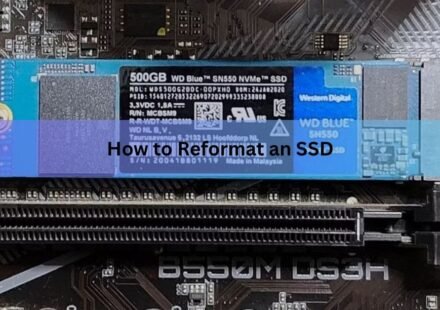
How to Reformat an SSD (Windows and Mac): The Right Way, Step by Step
To reformat an SSD, open your disk tool, select the right drive, run a quick format, and pick a file system. On Windows that is File Explorer or Disk Management. On a Mac it is Disk Utility. The whole job takes a few seconds once you have the correct…
Can You Use a USB Flash Drive as an SSD? What Actually Happens
A USB flash drive can hold your files, boot an operating system, and even run a few light programs, but it is not the same thing as an SSD and will not behave like one. Both store data on flash memory, yet the controller, the memory quality, and the…
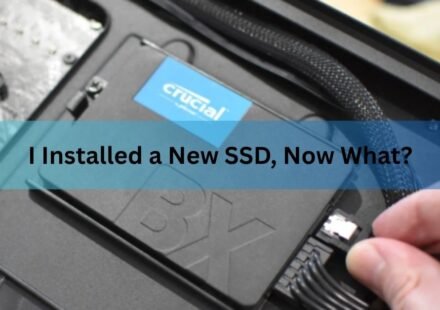
I Installed a New SSD, Now What? Here’s Exactly What to Do Next
Once the SSD is physically in place, the next steps are: confirm Windows can see it, then either set it up as extra storage or make it the drive Windows boots from, turn on TRIM, and move your files across. Which path you take depends on whether this SSD…
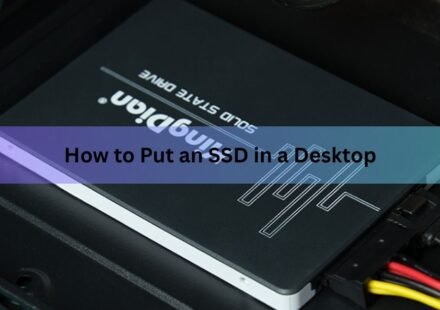
How to Put an SSD in a Desktop PC
Installing an SSD in a desktop takes about 15 minutes and needs one screwdriver. Power the PC off, unplug it, open the side panel, then either slide an M.2 drive into a slot on the motherboard or bolt a 2.5-inch drive into a bay and run two cables to it.…
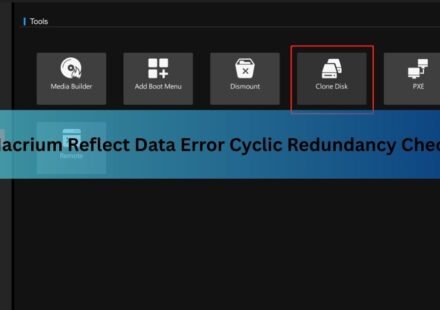
Macrium Reflect Cyclic Redundancy Check on an SSD: What It Means and How to Fix It
A cyclic redundancy check error in Macrium Reflect means the software asked your SSD for a block of data and the drive handed back something that failed its own integrity check. Reflect stops right there. In the log you get “Unable to read from…
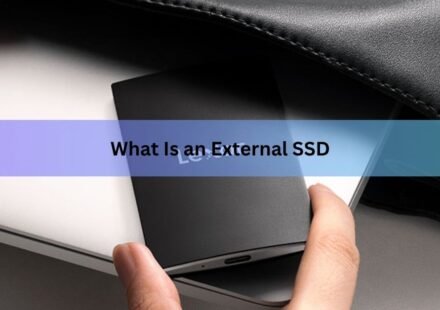
What Is an External SSD Drive? A Plain-English Guide
An external SSD is a small storage drive you plug into a computer, phone, or games console with a cable. Inside it there are no moving parts, just flash memory chips, which is why it reads and writes files far faster than a normal external hard drive and…
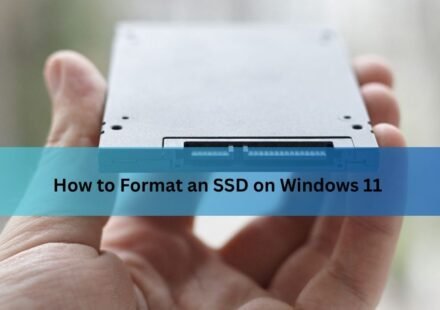
How to Format an SSD on Windows 11 (Without Wiping the Wrong Drive)
Formatting an SSD on Windows 11 means clearing its file system and setting it up fresh so Windows can store data on it. You can do it three quick ways: right-click the drive in File Explorer, use Disk Management, or use the Settings app. For most people…
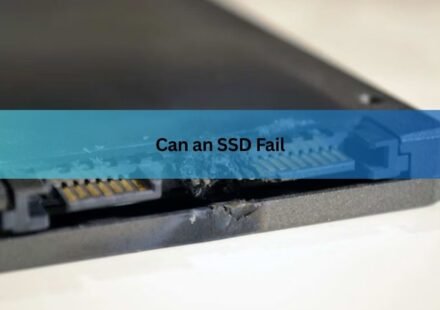
Can an SSD Fail? Signs, Causes, and How to Protect Your Data
Yes, an SSD can fail. A solid-state drive has no spinning parts, so it dodges the mechanical problems that kill hard drives. But it can still die from worn-out memory cells, a failed controller chip, power damage, or a firmware bug. And unlike a hard…
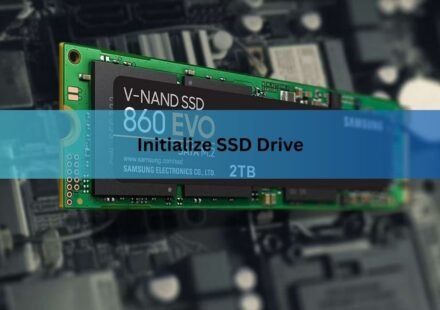
How to Initialize an SSD (Windows and Mac, Step by Step)
A brand-new SSD usually won’t show up in File Explorer or Finder until you initialize it. Initializing just means telling your operating system how the drive is laid out, so it can build partitions on it and store files. On Windows you do this in…