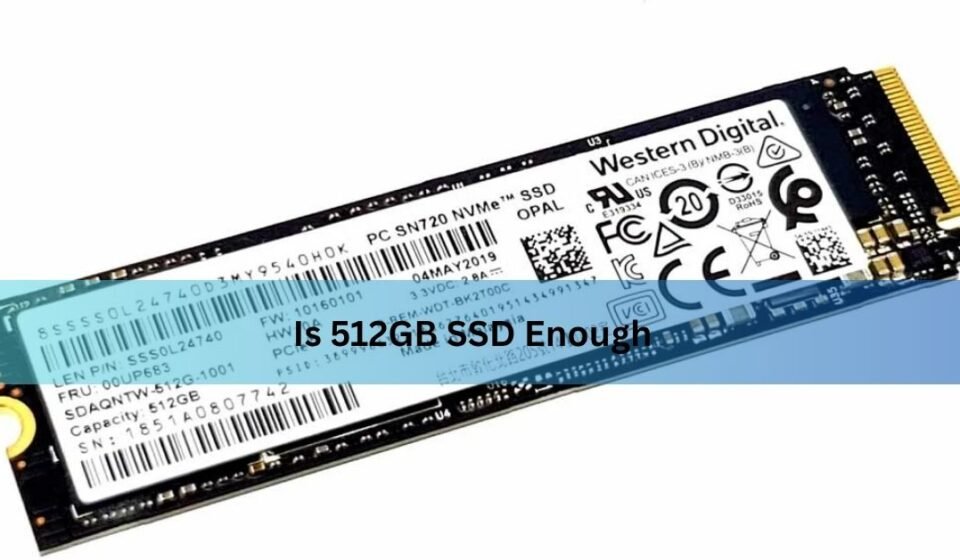

Picking the right storage size is one of the most confusing parts of buying a new laptop or building a PC. Manufacturers offer 256GB, 512GB, 1TB, and 2TB options, often with a big price jump between each tier, and it’s not always clear which one actually fits your daily habits. This is exactly why so many shoppers search is 512GB SSD enough before making a decision they want a straight answer without guesswork.
The truth is, “enough” is a moving target. It depends entirely on how you use your device, what kind of files you store, and whether you rely on cloud backups or external drives. In this guide, we’ll break down exactly who benefits from 512GB, who should consider going bigger, and how to stretch every gigabyte if you do stick with this size.
What Is a 512GB SSD? (Quick Primer)
A 512GB SSD is a solid-state drive with a rated storage capacity of 512 gigabytes. Unlike older mechanical hard drives, SSDs use flash memory chips, which means faster boot times, quicker file transfers, and no moving parts to wear out.
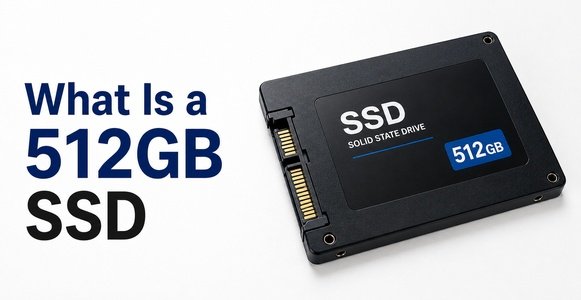
However, the number printed on the box isn’t quite what you get to use. Manufacturers calculate storage using decimal math (1GB = 1,000,000,000 bytes), while your operating system calculates it using binary math (1GB = 1,073,741,824 bytes). On top of that, a chunk of space is reserved for the operating system, recovery partitions, and system files. In practice, a “512GB” drive usually shows up as somewhere between 470GB and 480GB of usable space once everything is accounted for.
Who Is 512GB SSD Enough For?
For a large portion of everyday users, 512GB is genuinely sufficient, not just a compromise. Here’s where it tends to work well:
- Everyday users who mainly browse the web, check email, and stream video don’t generate much local storage demand, since most content lives online rather than on the drive.
- Students handling documents, presentations, PDFs, and note-taking apps rarely fill more than a fraction of 512GB, even across a full academic year.
- Casual users with cloud habits who already store photos, backups, and documents on services like Google Drive or iCloud free up huge amounts of local space.
- Light gamers who install a handful of smaller or older titles rather than a rotating library of modern AAA games.
For these groups, 512GB isn’t just adequate it often goes underused, meaning money spent on a bigger drive would have limited practical benefit.
Who Might Outgrow 512GB SSD?
On the other hand, certain usage patterns burn through storage far faster than people expect, and 512GB can start feeling cramped within months rather than years.
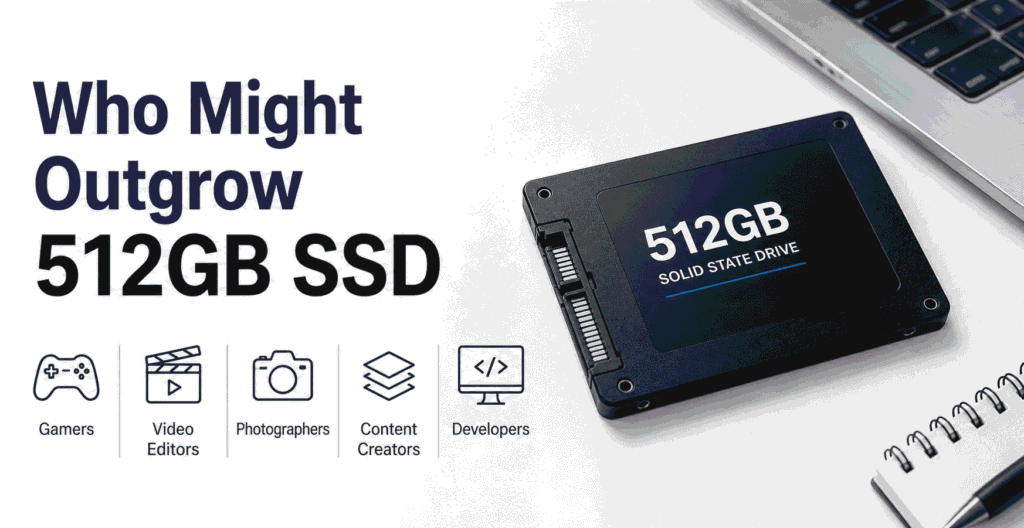
- Gamers with multiple AAA titles installed at once, since modern games routinely take up 60–150GB each.
- Video editors and content creators working with raw footage, project files, and export caches that multiply quickly.
- Photographers shooting in RAW format, where a single session can produce several gigabytes of images.
- Professionals handling large datasets, virtual machines, or specialized software installations.
If your work or hobbies fall into these categories, 512GB will likely mean constant file management, frequent deletions, and the frustration of “low storage” warnings appearing sooner than you’d like.
How Much Space Do Common Files Take?
Numbers make this much easier to picture than vague descriptions. Here’s a general breakdown of typical storage demands:
| File/App Type | Approximate Size |
| Operating system (Windows/macOS) | 20–40 GB |
| Average AAA game | 60–150 GB |
| 1 hour of 4K video footage | 40–100 GB |
| Photo library (RAW files, 1,000 photos) | 20–30 GB |
| Music library (1,000 songs, compressed) | 4–6 GB |
| Office documents (large collection) | 1–5 GB |
Looking at this table, it becomes clear why gamers and video editors run into limits quickly, while everyday users barely make a dent in their available space.
512GB vs Larger Storage Options (1TB/2TB)
If you’re on the fence, comparing 512GB against the next tiers up can help clarify whether the upgrade is worth the extra cost.
| Capacity | Ideal User | Typical Price Range | Headroom |
| 512GB | Everyday users, students, light gamers | Budget-friendly | Moderate |
| 1TB | Casual-to-serious gamers, general creators | Mid-range | Comfortable |
| 2TB | Heavy gamers, editors, professionals | Premium | Generous |
As a general rule, price per gigabyte improves as capacity increases, so jumping to 1TB often costs less per GB than staying at 512GB but that only matters if you’ll actually use the extra space.
Performance: Does 512GB Affect Speed?
A common question alongside “is 512GB SSD enough” is whether smaller drives are slower. In most consumer SSDs, capacity and speed are loosely related because of how NAND flash memory is structured drives with more chips can sometimes read and write data across more channels simultaneously, which can modestly boost throughput on larger capacities.
That said, for typical daily tasks opening apps, browsing, streaming, and general multitasking the real-world difference between a 512GB and 1TB SSD is barely noticeable. The bigger performance factor is usually the SSD’s underlying technology (like NVMe vs SATA) rather than its capacity alone.
Signs You’re Running Out of Space
It helps to recognize the warning signs before storage becomes a real problem rather than a minor inconvenience.
- Frequent “low storage” notifications from your operating system.
- Noticeably slower performance, since a nearly full SSD can struggle with file management tasks.
- Constantly uninstalling and reinstalling games or apps just to make room for something new.
- Relying heavily on cloud storage as a workaround rather than a genuine backup strategy.
If several of these sound familiar, it’s a sign your usage has outgrown your current setup.
Tips to Maximize a 512GB SSD
Even if 512GB is tight for your needs, a few habits can meaningfully extend how long it stays comfortable to use.
- Run regular file cleanups and uninstall apps or games you no longer use.
- Offload large files like old photos or finished projects to cloud storage or an external drive.
- Manage your game library actively, installing titles only while you’re actively playing them.
- Clear temporary files and cached data periodically, since these can quietly consume several gigabytes over time.
Future-Proofing Considerations
File sizes have grown steadily over the past decade, and that trend shows no sign of slowing down. Games, creative software, and even everyday apps tend to get larger with each update. If you expect your usage to grow say, picking up video editing as a hobby or building a bigger game library it may be worth planning ahead rather than upgrading reactively later.
For most casual users, though, 512GB can comfortably last several years, especially when paired with sensible cloud storage habits.
Which Should You Choose? (Decision Guide)
Ask yourself these quick questions to settle the decision:
- Do I install more than 2–3 large games or software packages at once?
- Do I regularly work with 4K video or RAW photography?
- Do I avoid using cloud storage for backups?
If you answered “no” to most of these, 512GB is likely enough for you. If you answered “yes” to two or more, it’s worth considering 1TB or higher.
Frequently Asked Questions
Is 512GB SSD enough for gaming?
It’s enough for casual gaming with a few titles installed at a time, but heavier gamers with large, rotating libraries will likely find it limiting.
Is 512GB SSD enough for a laptop in 2026?
For general use — browsing, office work, and streaming yes, 512GB remains a practical and cost-effective choice.
Can I upgrade from 512GB to a larger SSD later?
In many laptops and desktops, yes, though upgradeability depends on the specific device. Some ultra-thin laptops have soldered storage that can’t be swapped.
Does 512GB SSD affect speed compared to 1TB?
The difference is usually minor for everyday tasks, though some drives see slightly better throughput at higher capacities due to how NAND channels are structured.
Conclusion
So, is 512GB SSD enough? For most everyday users, students, and casual gamers, the answer is yes especially when paired with good file management and cloud storage habits. But if your routine involves heavy gaming libraries, video editing, or large creative projects, you’ll likely feel the squeeze sooner rather than later. Take stock of your actual usage patterns using the decision guide above, and choose the capacity that matches how you really use your device not just what fits the budget today.
Related Post:
Is There a Side Effect to Low Power NVMe SSD? A Complete, Easy-to-Understand Guide
Is SSD With Heatsink Worth It? A Complete Guide
How to Factory Reset an SSD: A Complete Step-by-Step Guide
SSD Showing as Unallocated? What It Means and How to Fix It Safely