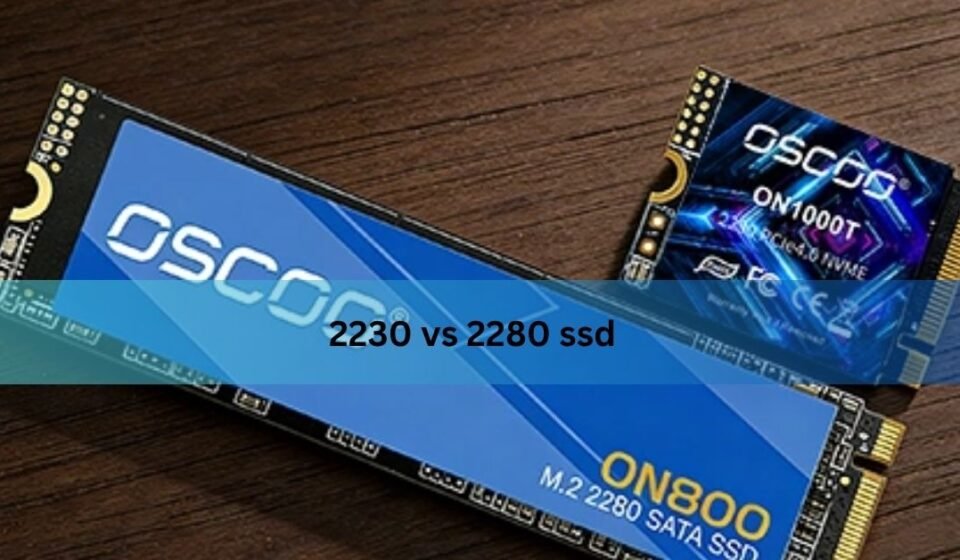

If you’re comparing a 2230 vs 2280 SSD before an upgrade, here’s the answer up front: the numbers describe physical length, not speed, and the size your device accepts is decided entirely by its M.2 slot, not by which drive sounds more impressive. A 2230 SSD is 22mm wide and 30mm long. A 2280 is the same 22mm width but stretches to 80mm. Both use the same connector and can run the exact same NVMe protocol at the exact same PCIe generation. The real question isn’t which one is “better” it’s which one your laptop, handheld, or desktop was actually built to hold, and that changes what you should even be shopping for.
What the Numbers 2230 and 2280 Actually Mean
M.2 naming follows a simple pattern: the first two digits are the width in millimeters, and the digits after that are the length. Every mainstream M.2 storage drive is 22mm wide, so 2230 and 2280 differ only in how long the circuit board is 30mm versus 80mm. That extra 50mm on a 2280 isn’t decorative. It gives manufacturers more surface area to place NAND flash chips, a controller, and sometimes a dedicated DRAM cache chip, which is why longer boards tend to offer higher maximum capacities. But length by itself says nothing about how the drive talks to your system or how fast it moves data that’s decided by separate specs entirely.
2230 vs 2280 SSD: Which Devices Use Which
The 2230 size shows up almost exclusively in devices where internal space is at a premium: the Steam Deck, the original ASUS ROG Ally, Microsoft Surface Pro and Surface Laptop models with removable storage, and a handful of ultra-thin laptops and mini PCs. These devices simply don’t have the physical depth or motherboard real estate for an 80mm board.
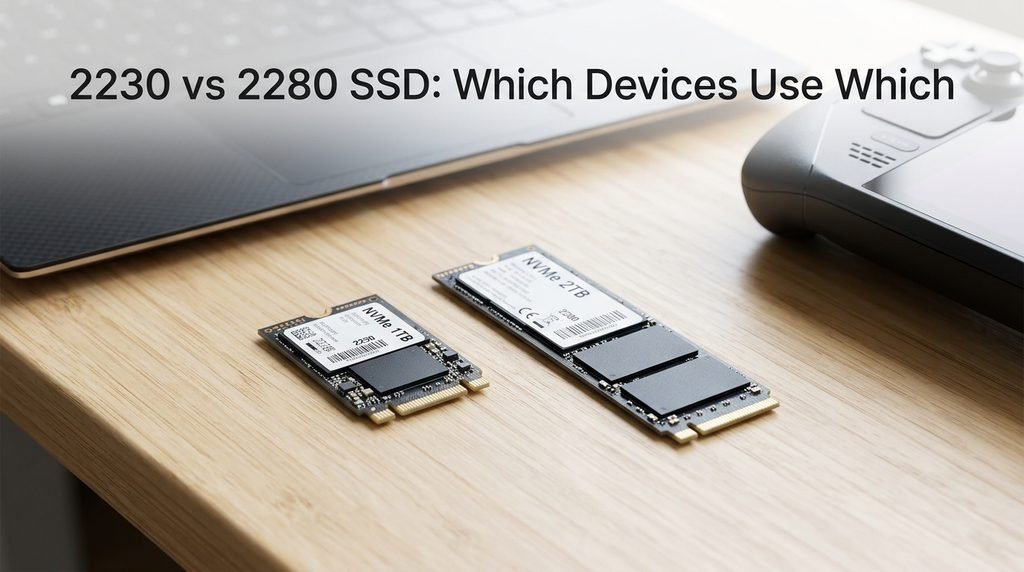
The 2280 size is the default everywhere else. Desktop motherboards are built around it, most 14-inch-and-larger laptops use it, the PlayStation 5’s expansion slot is sized for it, and NAS devices commonly use it for cache or primary storage. If a product listing or forum post just says “M.2 SSD” without specifying a length, 2280 is almost always the safe assumption but “almost always” isn’t the same as “always,” which is exactly why checking your specific model matters more than trusting a general rule.
Is a 2280 SSD Actually Faster Than a 2230?
Not inherently, and this is where a lot of buying guides get sloppy or flatly wrong. Two drives using the same PCIe generation and the same controller architecture will post nearly identical peak sequential speeds regardless of whether they’re 30mm or 80mm long — a PCIe 4.0 2230 drive and a PCIe 4.0 2280 drive from the same product line will look almost the same in a quick benchmark.
Where length starts to matter is sustained performance under heavier, longer workloads. A longer board can spread NAND chips across more surface area, which helps with heat dissipation and can support more parallel channels at very high capacities this is part of why the fastest 4TB and 8TB drives are almost always built on 2280 boards rather than 2230 ones. Thermal throttling is the other real factor: a 2230 drive packed into a tight, poorly ventilated handheld has less room to shed heat during a long file transfer or game install, so it can throttle sooner than an equivalent 2280 drive with a proper heatsink. For typical use booting an OS, loading games, everyday productivity a quality 2230 drive will feel just as responsive as a 2280 at the same generation. The gap only shows up in sustained, heavy-duty transfers.
2230 vs 2280: Capacity and Price-Per-GB Compared
The clearest, most honest way to see the trade-off is side by side, since capacity ceilings and cost per gigabyte are where the two sizes genuinely diverge.
| Factor | M.2 2230 | M.2 2280 |
| Typical max capacity (2026) | Up to 2TB | Up to 8TB |
| Retail selection | Narrower, fewer brands and models | Widest selection on the market |
| Price per GB | Noticeably higher | Generally lower, especially above 1TB |
| Best value capacity | 512GB–1TB | 1TB–2TB |
The pattern holds pretty consistently across brands: at the same capacity, a 2230 drive usually costs somewhat more than its 2280 counterpart, largely because it’s a smaller, lower-volume niche product rather than the mainstream format every manufacturer competes hardest on.
The 5-Minute Compatibility Check Before You Buy
Before adding anything to your cart, run through this checklist against your device’s actual manual or service guide rather than assuming based on what “most” devices use:
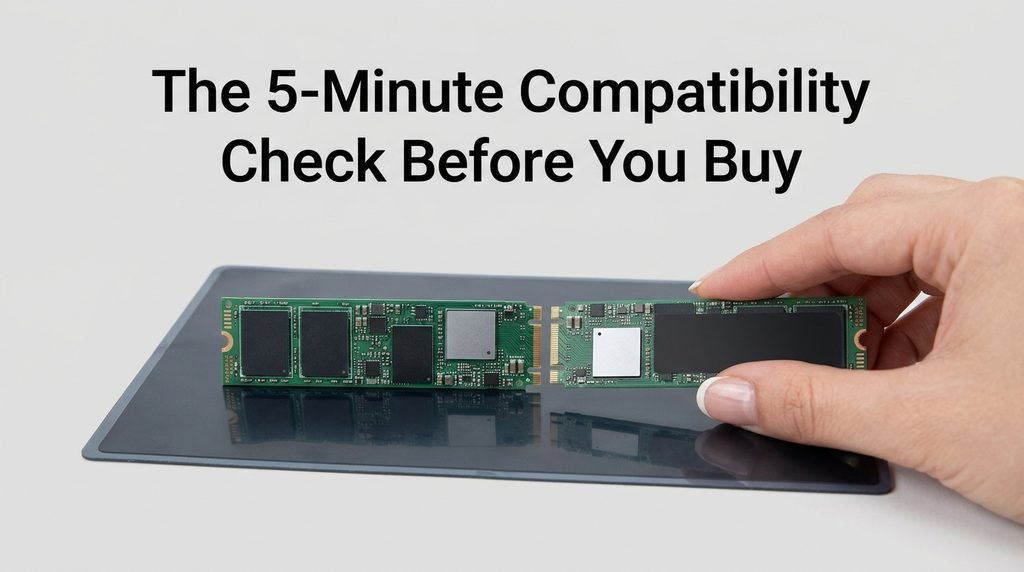
- Confirm the exact length your slot accepts by checking the screw standoff position or your device’s official spec sheet.
- Check the connector key type M-key drives are NVMe-only, while B+M-key can support SATA or NVMe depending on the slot wiring.
- Match the PCIe generation the slot actually supports, since a newer drive will simply run at your slot’s older, slower generation rather than failing outright.
- Verify physical clearance above and below the drive, especially in thin laptops and handhelds where a taller PCB or heatsink won’t close under the cover.
Skipping any one of these is how someone ends up holding a drive that’s technically the right length but still won’t boot.
What Happens If You Buy the Wrong Size (Real Buyer Mistakes)
The most common mistake isn’t buying the wrong length on purpose it’s assuming “NVMe” or “M.2” alone meant a drive would fit. One frequently reported case involves buyers ordering a 2230 SSD for a Surface or handheld device and receiving an 2280 drive instead, because some marketplace listings bundle both sizes under one vague title and let inventory get assigned at random. The buyer only discovers the mismatch after opening the packaging, and by then they’re stuck arranging a return.
A second common trap is pairing a high-end drive with an incompatible slot generation buying a PCIe 5.0 2230 drive for an older handheld that only supports Gen 3, then wondering why real-world speeds never come close to the marketing numbers. The drive isn’t defective; it’s simply running at the ceiling the slot allows, which is a mismatch a spec sheet check would have caught before purchase.
Can You Adapt or Convert Between Sizes?
Going smaller-to-larger works, but only in one direction. A 2230 drive can sit inside a 2280 slot using a simple adapter bracket that holds it in the correct connector position this is a common, safe way to install a compact drive into a desktop, a PS5, or any motherboard with extra screw standoffs. Going the other way is not possible: an 2280 board is physically too long to fit inside a 2230 or 2242 slot, and there’s no bracket or trick that changes the board’s actual dimensions. If you’re repurposing an old internal drive as external storage instead, a multi-size NVMe enclosure supporting 2230 through 2280 is generally the simpler fix.
2230 or 2280: Quick Decision Guide
If you’re upgrading a Steam Deck, an original ROG Ally, a Surface device, or another compact system with a documented 2230 slot, that size isn’t optional it’s the only physical option, so focus your comparison shopping on capacity and PCIe generation within that size rather than second-guessing the format.
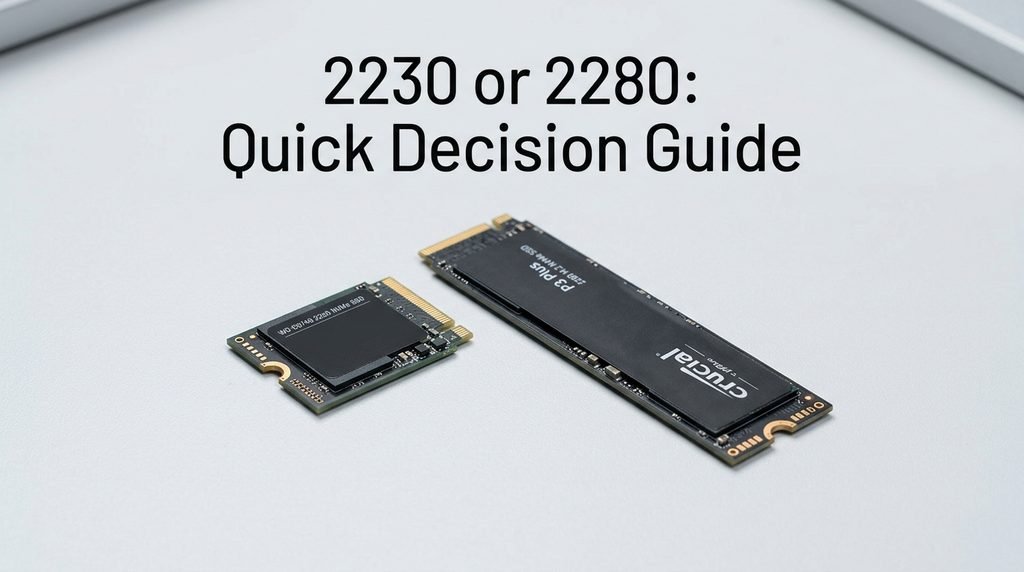
If you’re building or upgrading a desktop, a mainstream laptop, or a PS5, 2280 will almost always be both the correct fit and the better value per gigabyte, thanks to its wider selection and lower cost at higher capacities. The deciding factor was never which size performs better in the abstract it’s simply what your specific device was engineered to hold.
Frequently Asked Questions
Can I put a 2280 SSD in a 2230 slot with an adapter? No. Adapters can position a smaller drive inside a larger slot, but they can’t shrink an 80mm board to fit where only 30mm of space and connector clearance exist. If your device only supports 2230, you need a drive manufactured in that exact size.
Does a 2230 SSD run hotter than a 2280? Under light, everyday use, the difference is usually negligible. Under sustained heavy workloads, a 2230 drive has less surface area to dissipate heat and often lacks a large heatsink in compact devices, so it’s more prone to thermal throttling during long transfers than a 2280 drive with proper cooling.
Will a Gen5 2230 SSD work at full speed in an older laptop? It will work, but not at full speed. The drive will run at whatever PCIe generation your slot supports — if your device only has a Gen 3 slot, a Gen 5 drive simply operates at Gen 3 speeds, so paying for the newer generation delivers no real-world benefit in that setup.
Is 2242 worth considering instead of 2230 or 2280? Only if your specific device explicitly calls for it. The 2242 size sits between the two and appears mainly in select older ThinkPads, some business laptops, and industrial systems. It has a much smaller product selection than either 2230 or 2280, so it’s rarely a size you’d choose by preference rather than by requirement.
Conclusion
The 2230 vs 2280 SSD comparison ultimately isn’t a performance contest — it’s a compatibility question with a performance footnote. Check what length, key type, and PCIe generation your device actually supports before comparing anything else, and let that answer narrow your options rather than shopping by size preference. Once you know which size fits, pick the best drive available in that size for your capacity and budget, and you’ll end up with a setup that performs the way the specs promised.
Related Post:
Does Degaussing Work on SSD? The Complete Truth About Erasing Flash Drives
Is 512GB SSD Enough? A Complete Guide for Every User Type
1TB vs 2TB SSD: Which One Do You Actually Need?