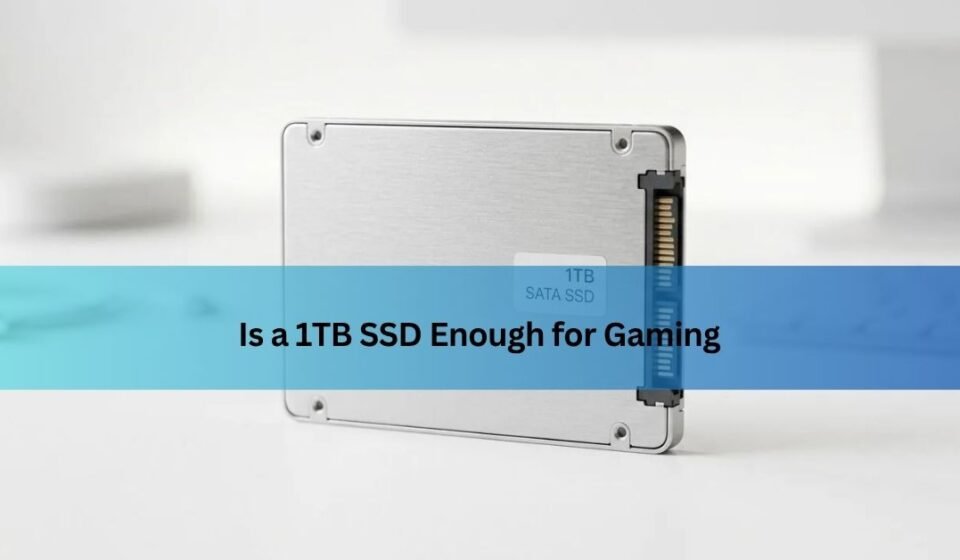

Yes, for most gamers a 1TB SSD is enough. After Windows and the usual apps take their cut, you’re left with room for roughly six to eight big modern games installed at the same time, plus a handful of smaller ones. That covers how most people actually play: a few games on the go, the rest waiting in your library until you want them.
Where 1TB starts to feel tight is if you like keeping ten or more large games installed at once and hate the routine of deleting one to make space for another. If that’s you, 2TB is the more comfortable pick. The rest of this guide breaks down the real numbers so you can decide with confidence.
How much space do modern games actually take?
Big modern games are the reason this question comes up at all. A typical AAA title now installs at around 80 to 150GB, and the largest live-service shooters can climb past 200GB once every mode and update is in place.
A few real examples make it clear. Baldur’s Gate 3 needs about 122GB installed, and the makers suggest keeping 150GB free for patches. Call of Duty: Black Ops 6 asks for roughly 102GB of free space on PC, and that grows fast once seasonal updates and Warzone content stack up. Some Call of Duty setups have crossed 200GB with every pack installed.
Not every game is a monster, though. Indie and older titles are far smaller, often 5 to 30GB, which is why what you play matters as much as how much you play. A library full of smaller games stretches 1TB a long way. A library of the biggest shooters and open-world epics eats it quickly.
Rule of thumb: budget about 100GB for each big AAA game you want installed at once, and much less for indies and older titles.
What fits on a 1TB SSD in real life?
A 1TB drive doesn’t give you a clean 1,000GB to fill. Storage is measured so that a “1TB” drive shows up as about 931GB in Windows, and your operating system takes a slice of that before you install anything.
Here’s a realistic split. Windows 11 and driver updates settle in around 60 to 80GB over time. Add your browser, chat apps, and a game launcher or two, and you’ve used roughly 100GB before a single game lands. That leaves about 830GB for games.
At 100GB per big title, that’s six to eight major games at once, or a mix like four big games plus a dozen smaller ones. For most people that’s a full, comfortable rotation. You play what you’re into now, and swap in the next thing when you’re ready.
When is 1TB enough for gaming?
1TB is enough for you if you recognize yourself in any of these:
- You play a few games at a time and finish or uninstall them before moving on.
- You mix big AAA games with plenty of smaller indie or older titles.
- You’re on a budget build and want the best value per pound spent.
- You mostly play one or two main games, like a single competitive shooter, plus the odd side game.
This describes the majority of gamers. A 1TB SSD is the sensible minimum for a 2026 gaming PC, and it handles a normal playing habit without drama.
When should you go bigger than 1TB?
Step up to 2TB if you keep a large library installed and don’t want to manage it. Some clear signs you’ll outgrow 1TB:
- You like having ten or more big games installed and ready at all times.
- You play several storage-heavy shooters or open-world games in the same period.
- You record or stream gameplay, which produces large video files.
- You also do creative work, like video editing or high-resolution photo libraries, on the same drive.
2TB is the sweet spot for people who hate uninstalling. It gives real breathing room, and the price per gigabyte is usually better than 1TB. 4TB makes sense only if you want your entire collection installed at once or you’re mixing big media libraries with games.
Here’s how the common sizes compare for gaming:
| Capacity | Big games it holds | Best for |
|---|---|---|
| 512GB | 2-3 at a time | Not a good fit for gaming in 2026. Two big installs and you’re out of room. |
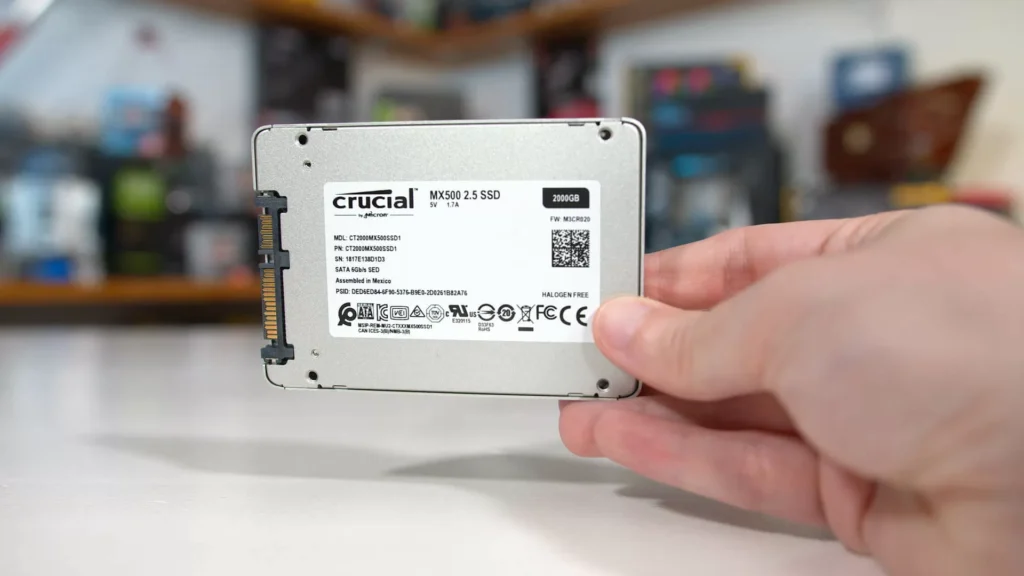
| 1TB | 6-8 at a time | Most people. A rotating library, a budget build, or a mix of big and small games. |
| 2TB | 15+ at a time | Players who hate uninstalling, keep several AAA titles installed, or play a lot. |
| 4TB | A whole library | Collectors, streamers, and creators who keep everything installed plus media files. |
Does a fuller SSD slow gaming down?
Yes, but only once it gets very full, and it affects loading more than gameplay. An SSD needs some empty space to shuffle data around in the background and write new files efficiently. When free space runs low, that housekeeping gets harder and write speeds drop.
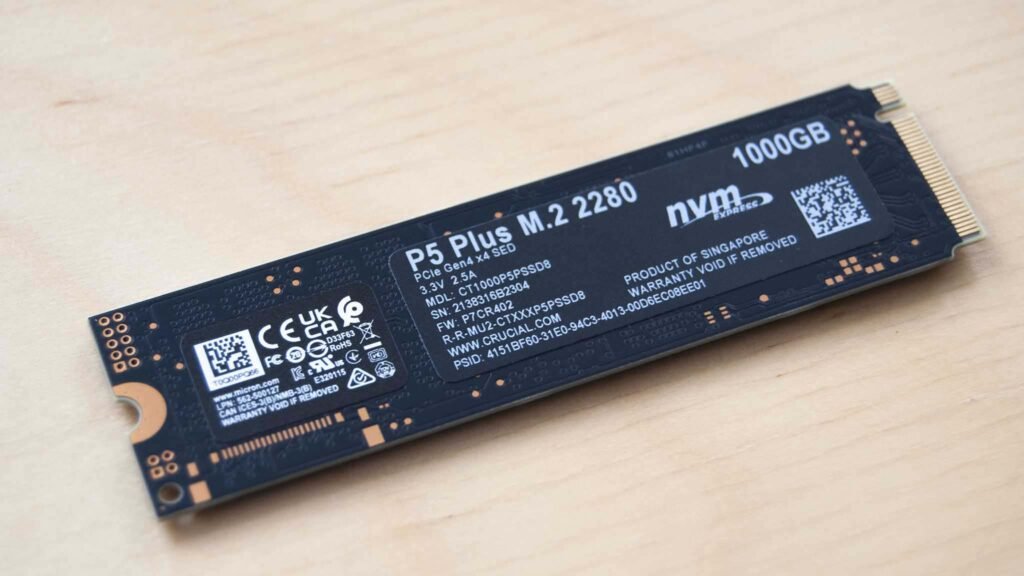
The slowdown is gradual, not a cliff. You’ll barely notice anything until you’re down to the last 10 to 15 percent of the drive. The common advice is to keep at least 10 to 20 percent free, so on a 1TB drive, try to leave around 100 to 150GB open. Stay above that and your games will load just as fast as the day you installed them.
Keep roughly 15 percent of your SSD free. On a 1TB drive that’s about 140GB of headroom for smooth performance.
Speed vs size: does the SSD type matter for gaming?
Size and speed are two different questions, and for gaming, size is usually the one that matters more day to day. A faster SSD trims loading screens and reduces texture pop-in (that moment when distant objects snap into focus), but it doesn’t raise your frame rate. Your graphics card and processor handle that.
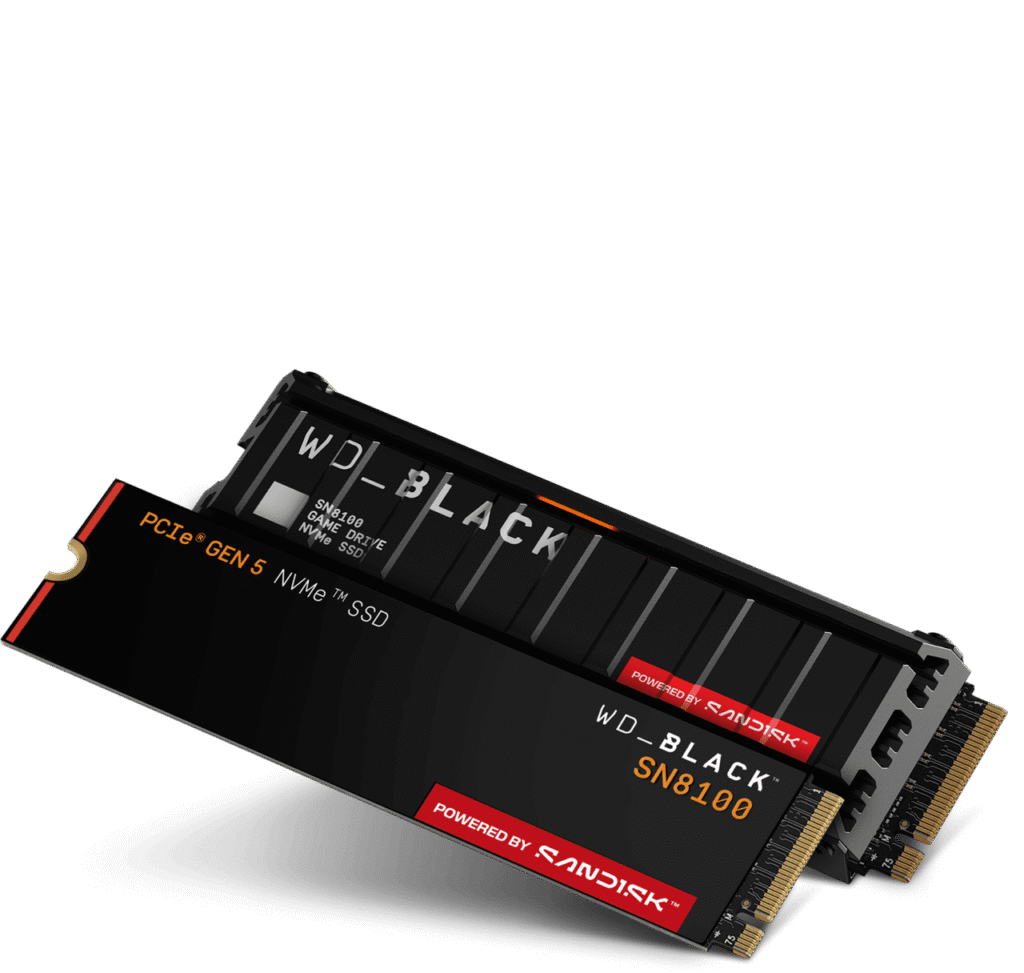
For most gaming, a PCIe 4.0 NVMe drive hits the sweet spot of speed and price, and even older PCIe 3.0 drives run games perfectly well. PCIe 5.0 drives are faster on paper but bring little real gaming benefit today, and they can run hot enough to need a heatsink. Some newer games support Microsoft’s DirectStorage, which lets the drive feed data to your graphics card more directly for quicker loads, and any modern NVMe SSD works with it.
How to check what you’re using now
Before you buy, it helps to know how much space your current games really take. You might need less than you think, or find you’re already close to full.
- On Windows, open Settings, go to System, then Storage to see a breakdown of what’s using your drive. Microsoft explains this on its storage settings page.
- In Steam, open Settings, then Storage, to see the size of every installed game, and move or remove titles in a couple of clicks. Valve walks through relocating installs in its guide to moving a Steam installation and games.
Once you can see your real usage, the choice gets easy. If your installed games sit comfortably under 800GB and you swap titles in and out, 1TB is plenty. If you’re always bumping against the limit, go 2TB and stop worrying about it.
Frequently asked questions
Is 1TB or 2TB better for gaming?
1TB is enough for most people and costs less. 2TB is better if you keep many big games installed at once or hate uninstalling. For a rotating library, 1TB wins on value; for a large always-installed collection, 2TB is worth it.
How many games can a 1TB SSD hold?
After Windows, expect about six to eight big modern games (roughly 100GB each) installed at once, or a mix of four large titles plus a dozen smaller indie and older games. Smaller libraries stretch much further.
Is 512GB enough for gaming in 2026?
Not really. With big games now 80 to 150GB each, 512GB fits only two or three before you hit a full-drive warning. It’s fine as a boot drive, but for gaming, 1TB is the sensible minimum.
Does a full SSD slow down gaming?
Only when it gets very full. Past roughly 85 to 90 percent capacity, write speeds and loading can slow. Keep about 10 to 20 percent free (around 140GB on a 1TB drive) and you won’t notice any difference.
Does a faster SSD give more FPS in games?
No. A faster SSD shortens loading times and reduces texture pop-in, but your frame rate comes from your graphics card and processor. For gaming, drive size usually matters more than raw speed.
Conclusion
A 1TB SSD is enough for most gamers. After Windows and apps, you get room for about six to eight big modern games at once, plus smaller titles, which suits a normal rotating library and a budget build. Go 2TB if you keep ten or more large games installed, stream, or edit video on the same drive. Whatever size you pick, leave around 15 percent free so loading stays fast, and check your current usage before you buy.
Related Post:
Can You Recover Data From an SSD? What Actually Works
How to Partition an SSD: Windows, Mac, and When to Skip It
What to Do After Installing a New SSD
SSD Showing as Unallocated? What It Means and How to Fix It Safely
How to Copy an SSD to a Larger SSD Without Reinstalling Windows