SSD Failure Symptoms: 7 Warning Signs and What to Do Next

Most SSDs die from wear on their flash memory, controller faults, firmware bugs, or power problems, and they warn you first through a handful of clear signs. The most common are files that suddenly go corrupt or refuse to open, a big drop in read and…
SSD Not Showing Up When Plugged In to USB? Here’s How to Fix It
You plug your SSD into a USB port and wait for it to pop up in File Explorer, and nothing happens. Before you decide the drive is dead, know this: most of the time it isn’t. When an SSD won’t show up over USB, the cause is usually a bad…
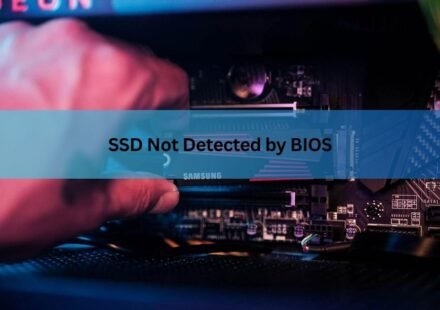
SSD Not Detected by BIOS: How to Find and Fix the Real Cause
When an SSD is not detected by BIOS, the cause is almost always one of four things: a loose or bad connection, a port or slot that is disabled or being shared with another device, a storage setting such as RAID or Intel VMD hiding the drive, or a drive…
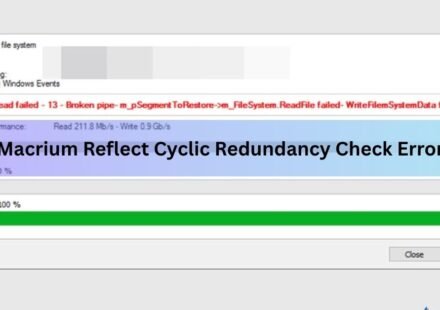
Macrium Reflect Cyclic Redundancy Check Error on SSD: How to Fix It
A cyclic redundancy check (CRC) error in Macrium Reflect almost always means the software hit a sector on your SSD it could not read. The backup or clone stops, and Macrium logs the message: Backup aborted! Unable to read from disk — Error Code 23 — Data…
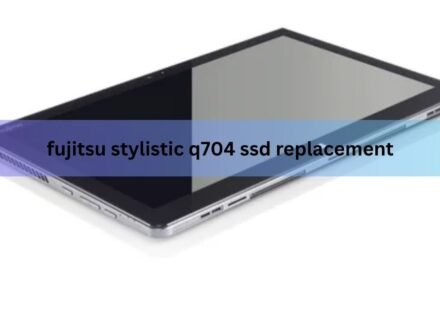
Fujitsu Stylistic Q704 SSD Replacement: A Step-by-Step Guide
The Fujitsu Stylistic Q704 uses a removable mSATA SSD that sits behind a single clip-on back cover. That means you can replace it. Swapping in a bigger or healthier drive takes about 20 minutes with a plastic pry tool and a small screwdriver, and you do…
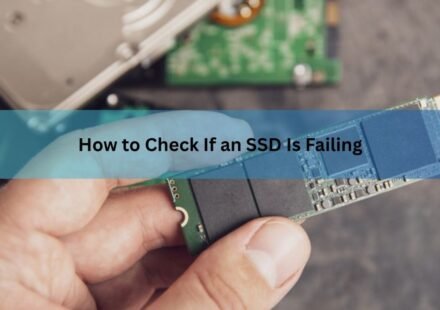
How to Check If an SSD Is Failing: Signs, Tools, and What to Do
Your SSD is probably failing if its built-in health data shows climbing wear or error counts, or if you keep running into crashes, corrupted files, sudden slowdowns, or a drive that has switched to read-only. The good news is you don’t have to…