
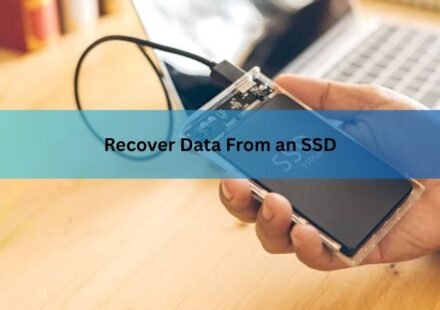
Can You Recover Data From an SSD? What Actually Works

Yes, in most cases you can recover data from an SSD, but the odds depend on one thing more than any other: whether TRIM has already erased the space your files used to occupy. If TRIM hasn’t run yet, or the drive uses a file system TRIM…
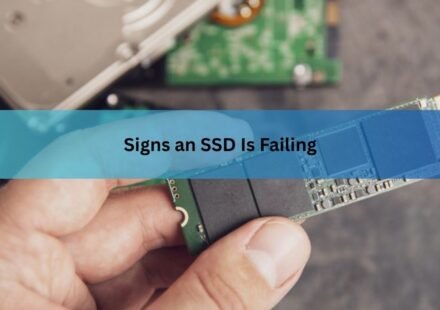
Signs an SSD Is Failing (and What Each One Actually Means)
A failing SSD usually announces itself through a handful of specific symptoms: a sudden drop in speed, files that won’t open or vanish outright, a drive that turns read-only, repeated crashes tied to storage, or the drive disappearing from your…
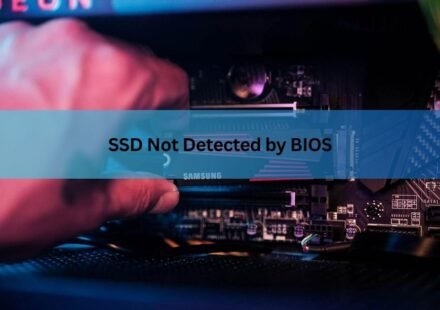
SSD Not Detected by BIOS: How to Find and Fix the Real Cause
When an SSD is not detected by BIOS, the cause is almost always one of four things: a loose or bad connection, a port or slot that is disabled or being shared with another device, a storage setting such as RAID or Intel VMD hiding the drive, or a drive…
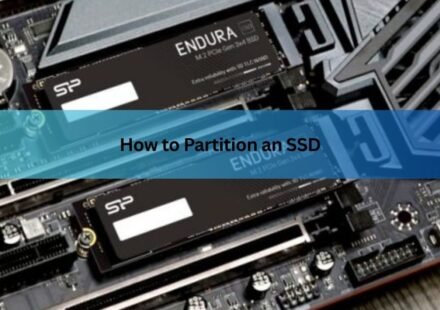
How to Partition an SSD: Windows, Mac, and When to Skip It
Partitioning an SSD takes about five minutes and needs no extra software. On Windows, open Disk Management, shrink an existing volume, and create a new one in the freed space. On a Mac, open Disk Utility and add an APFS volume. That is the whole job, and…
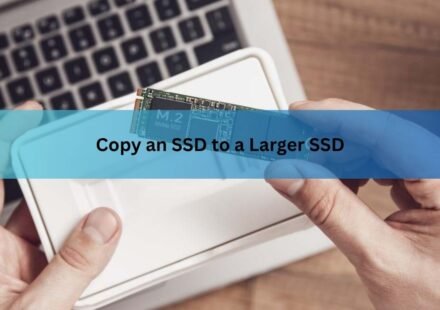
How to Copy an SSD to a Larger SSD Without Reinstalling Windows
The short version: you copy an SSD to a larger SSD by cloning it, which makes a full working copy of your current drive, Windows and all, on the new one. Then you stretch the main partition to fill the extra room and tell your PC to start from the new…
SSD Showing as Unallocated? What It Means and How to Fix It Safely
An unallocated SSD is a drive Windows can see but cannot use yet, because the space on it does not belong to any partition. In Disk Management it shows up as a solid black bar with no drive letter, and it will not appear in File Explorer at all. What you…
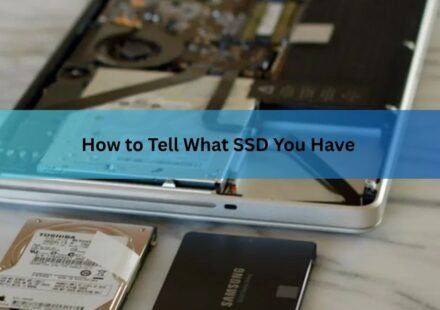
How to Tell What SSD You Have (Windows and Mac)
You can find out exactly what SSD you have in about a minute, without opening your computer. On Windows 11, open Task Manager and check the Performance tab. On a Mac, open System Information and click Storage. Both show the drive’s model, its size,…
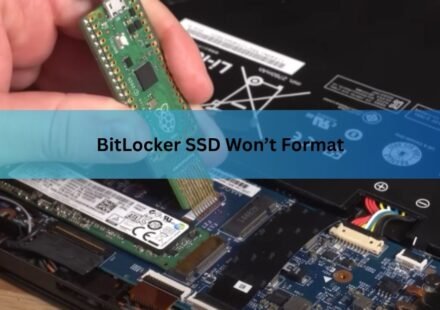
BitLocker SSD Won’t Format? Here’s How to Fix It (Step by Step)
A BitLocker SSD won’t format because Windows will not let you write to a volume that is locked or still encrypted. The drive isn’t broken and the data isn’t stuck to it forever. You just have to remove BitLocker first, either by unlocking and turning it…
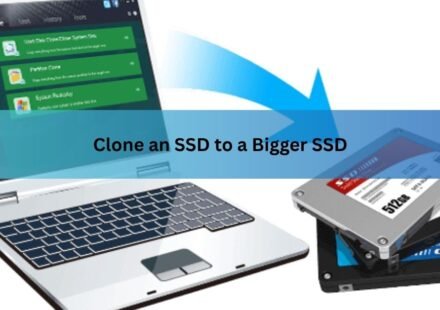
How to Clone an SSD to a Bigger SSD (2026): A Step-by-Step Guide
Cloning an SSD to a bigger SSD copies everything on your current drive, the operating system, your programs, your settings, and every file, onto a larger one, so the new drive boots and behaves exactly like the old one. You do not reinstall Windows and…
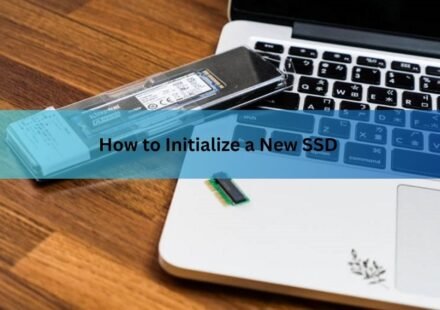
How to Initialize a New SSD on Windows and Mac (and Fix One That Won’t Show Up)
To initialize a new SSD on Windows, right-click the Start button, open Disk Management, right-click the disk marked “Not Initialized,” choose Initialize Disk, select GPT, and click OK. Then right-click the unallocated space, pick New Simple…