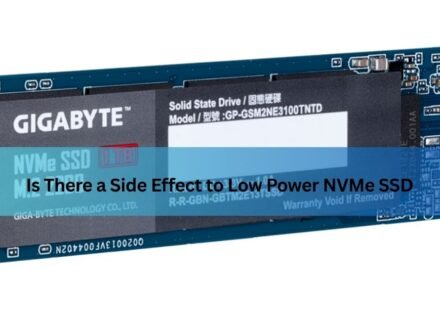
Is There a Side Effect to Low Power NVMe SSD? A Complete, Easy-to-Understand Guide

If you have ever dug into your laptop’s BIOS or power settings and noticed an option related to NVMe power management, you may have paused and wondered: is there a side effect to low power NVMe SSD settings, or is it simply a free way to save…
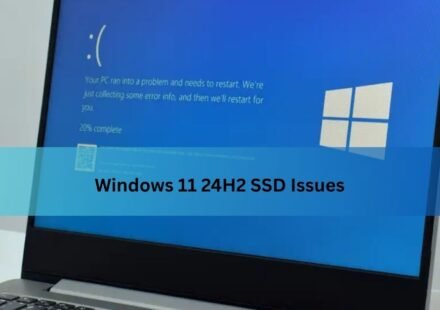
Windows 11 24H2 SSD Issues: Complete Guide to Causes, Symptoms & Fixes
If your solid-state drive has suddenly vanished from File Explorer, thrown strange errors, or stopped responding after a Windows update, you are not imagining things. Since mid-2025, a wave of reports has connected certain Windows 11 24H2 SSD issues to a…
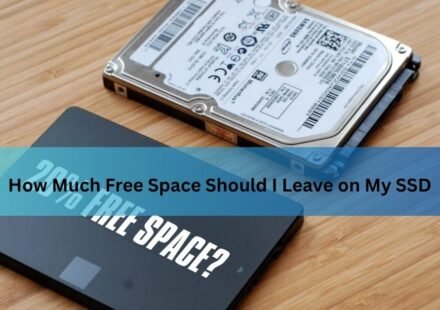
How Much Free Space Should You Leave on Your SSD?
Leave about 10 to 20 percent of your SSD free, and try never to let it fall below 10 percent. On a 1TB drive that means keeping roughly 100 to 200 GB open. That headroom keeps the drive fast, helps it last longer, and gives your operating system room to…
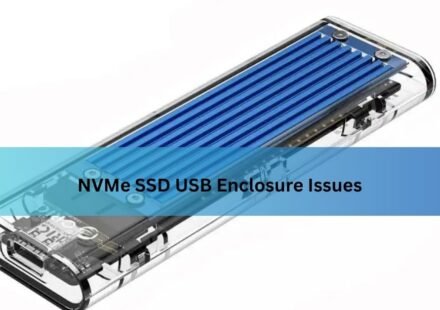
NVMe SSD USB Enclosure Issues: Why They Happen and How to Fix Them
An NVMe SSD in a USB enclosure should be simple: slide the drive in, plug it into your laptop, get a fast portable disk. Often it is. But a lot of people hit the same wall instead, a drive that vanishes mid-copy, speeds a fraction of what the box…
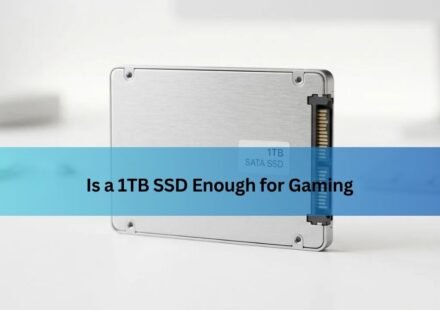
Is a 1TB SSD Enough for Gaming? What It Really Holds in 2026
Yes, for most gamers a 1TB SSD is enough. After Windows and the usual apps take their cut, you’re left with room for roughly six to eight big modern games installed at the same time, plus a handful of smaller ones. That covers how most people…
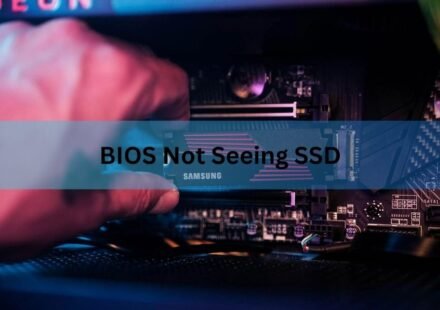
BIOS Not Seeing Your SSD? Here’s How to Get It Detected Again
If your BIOS can’t see your SSD, the cause is almost always one of three things: a loose or dead cable, a slot or port that’s fighting the drive for resources, or a BIOS setting that’s turned off. Each has a fix, and you can usually…
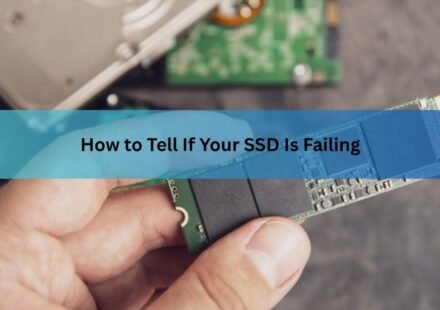
How to Tell If Your SSD Is Failing: Warning Signs and How to Check
A failing SSD usually shows a few clear signs: files that get corrupted or vanish, a sudden drop in speed, random crashes or freezes (especially while booting), and the drive flipping into read-only mode where you can open files but not save anything.…
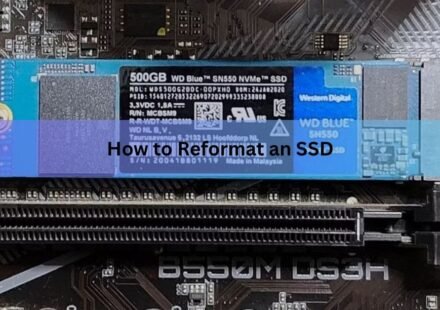
How to Reformat an SSD (Windows and Mac): The Right Way, Step by Step
To reformat an SSD, open your disk tool, select the right drive, run a quick format, and pick a file system. On Windows that is File Explorer or Disk Management. On a Mac it is Disk Utility. The whole job takes a few seconds once you have the correct…
Can You Use a USB Flash Drive as an SSD? What Actually Happens
A USB flash drive can hold your files, boot an operating system, and even run a few light programs, but it is not the same thing as an SSD and will not behave like one. Both store data on flash memory, yet the controller, the memory quality, and the…
I Installed a New SSD, Now What? Here’s Exactly What to Do Next
Once the SSD is physically in place, the next steps are: confirm Windows can see it, then either set it up as extra storage or make it the drive Windows boots from, turn on TRIM, and move your files across. Which path you take depends on whether this SSD…