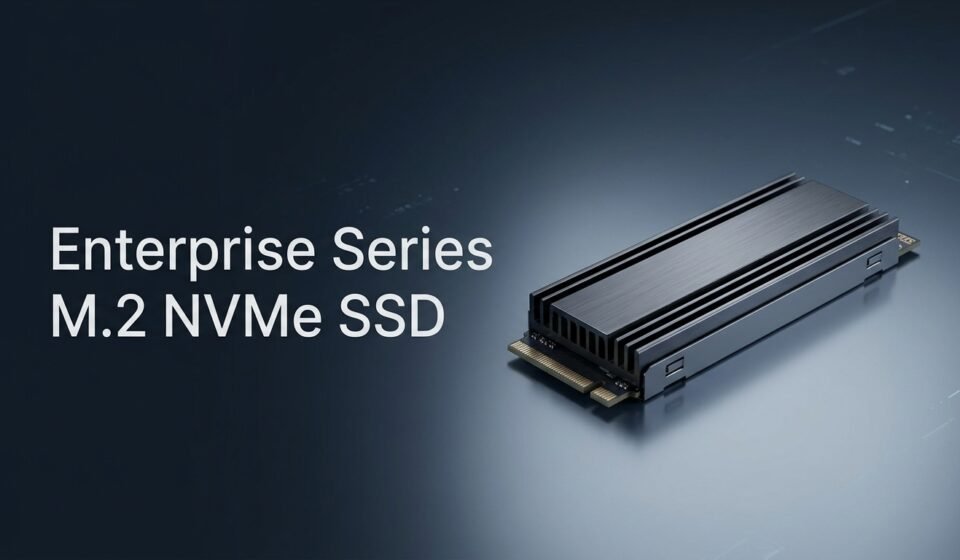

An enterprise series M.2 NVMe SSD is a drive built for sustained, 24/7 write-heavy workloads rather than the bursty, mostly-idle usage pattern of a home PC. It uses higher-endurance NAND, includes power loss protection, and is validated to hold consistent performance for months of continuous operation, not just fast benchmark numbers on day one.
The M.2 form factor makes it compact and easy to slot into servers, NAS units, and edge devices, but it also comes with real trade-offs compared to U.2 or EDSFF enterprise drives. This guide walks through what actually separates enterprise from consumer M.2 drives, where M.2 makes sense in a deployment, and what to check before you buy.
Suggested image placement: a close-up photo of an M.2 NVMe SSD with a heatsink installed on a server motherboard, positioned after the intro. Alt text: “enterprise series m 2 nvme ssd installed on server motherboard”
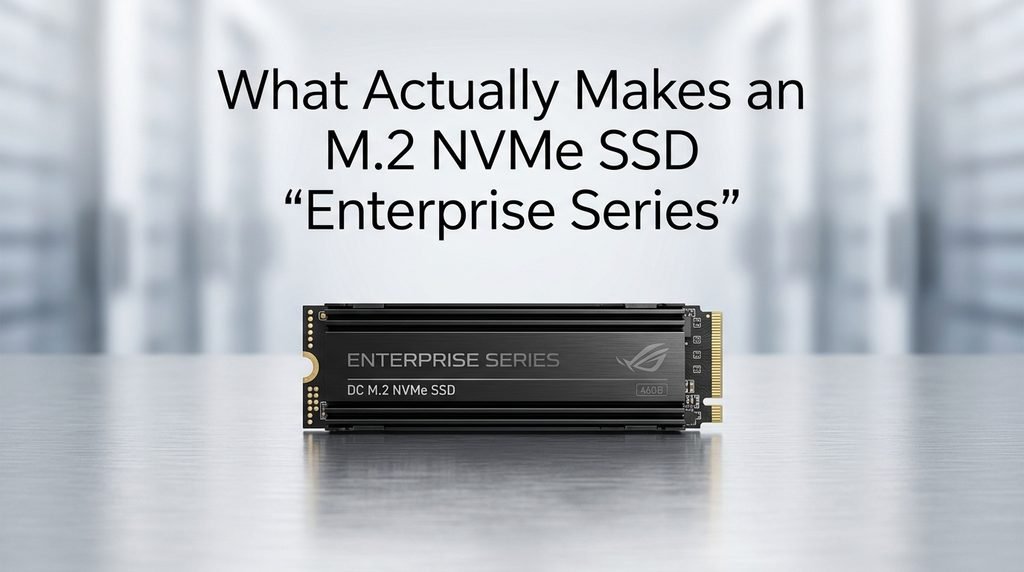
What Actually Makes an M.2 NVMe SSD “Enterprise Series”
Four things separate an enterprise-series drive from a consumer one, and none of them show up clearly on a retail spec sheet unless you know to look.
The first is endurance, measured in Drive Writes Per Day (DWPD) or Terabytes Written (TBW). Enterprise drives are rated for years of heavy, continuous writing, while consumer drives are rated for occasional use.
The second is power loss protection, a small bank of capacitors that flushes cached writes to NAND if power cuts out mid-operation. The third is firmware validated against a specific workload profile — usually the JESD219A enterprise standard — rather than tuned for burst-speed marketing numbers. The fourth is sustained performance consistency: an enterprise drive holds its IOPS steady under constant load instead of slowing down as its cache fills.
Enterprise vs. Consumer M.2 NVMe: The Real Differences
Consumer M.2 SSDs are built around SLC caching tricks that make short bursts look extremely fast in reviews, then fall off sharply once that cache is exhausted during sustained writes.
Enterprise drives skip most of that marketing-oriented caching in favor of consistent, predictable throughput across the entire drive, even after hours of continuous writes. This is the difference between a benchmark number and a number you can actually depend on in production.
NAND quality and over-provisioning also differ substantially. Enterprise drives reserve a larger percentage of raw NAND capacity as spare area, which the controller uses for wear leveling and error correction. A consumer 1TB drive might reserve 7% as spare space; an enterprise drive of the same rated capacity often reserves 20% or more, which is part of why usable capacity looks smaller relative to the raw NAND installed.
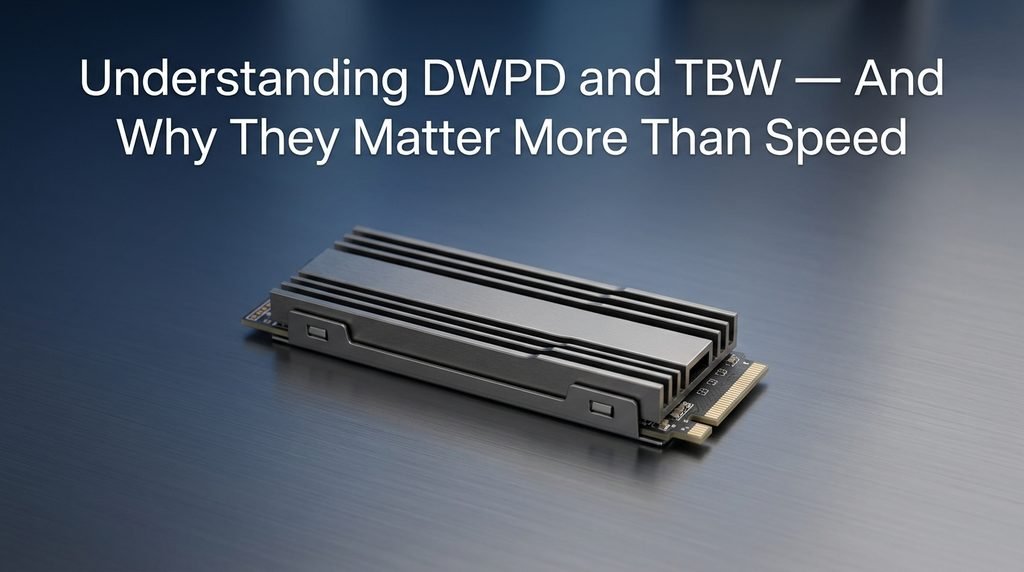
Understanding DWPD and TBW — And Why They Matter More Than Speed
DWPD tells you how many times you can overwrite the drive’s entire capacity, every day, for the length of its warranty period, before it’s expected to wear out. A 1 DWPD rating on a 2TB drive over a 5-year warranty means roughly 3.65 petabytes of total writes are covered.
TBW is the same concept expressed as a flat total instead of a daily rate, and it’s the number you’ll see most often on consumer-facing spec sheets. Both matter more than sequential read speed for most enterprise workloads, because a database server or virtualization host writes constantly, and a drive that wears out in eighteen months isn’t actually cheaper than one that costs more upfront and lasts five years.
When comparing drives, convert everything to the same metric before judging price. A drive that looks 20% more expensive but offers double the TBW is very often the better long-term value, especially in write-heavy roles like logging, caching, or transactional databases.
Power Loss Protection: The Feature Consumer Drives Skip
Power loss protection, often shortened to PLP, is a set of capacitors built into the drive that store enough charge to complete in-flight writes if the power fails unexpectedly.
Without PLP, data sitting in the drive’s write cache at the moment of a power loss is simply gone, and in the worst case, the file system metadata itself can become corrupted. Consumer drives almost universally skip this feature, since a laptop or desktop losing power is comparatively rare and usually gives some warning through battery level.
Servers don’t get that warning. A tripped breaker, a failed PSU, or a rack-level power event can hit with zero notice, and for a transactional database or a virtualization host running dozens of guest machines, an unprotected write cache turns a power blip into a corrupted volume. This is one of the clearest, most concrete reasons an enterprise series M.2 NVMe SSD costs more than a consumer equivalent of the same rated capacity.
Where M.2 Falls Short in Enterprise Deployments
M.2 is genuinely convenient, but it carries real limitations that matter once you’re deploying at scale, and competitors covering this topic rarely say so directly.
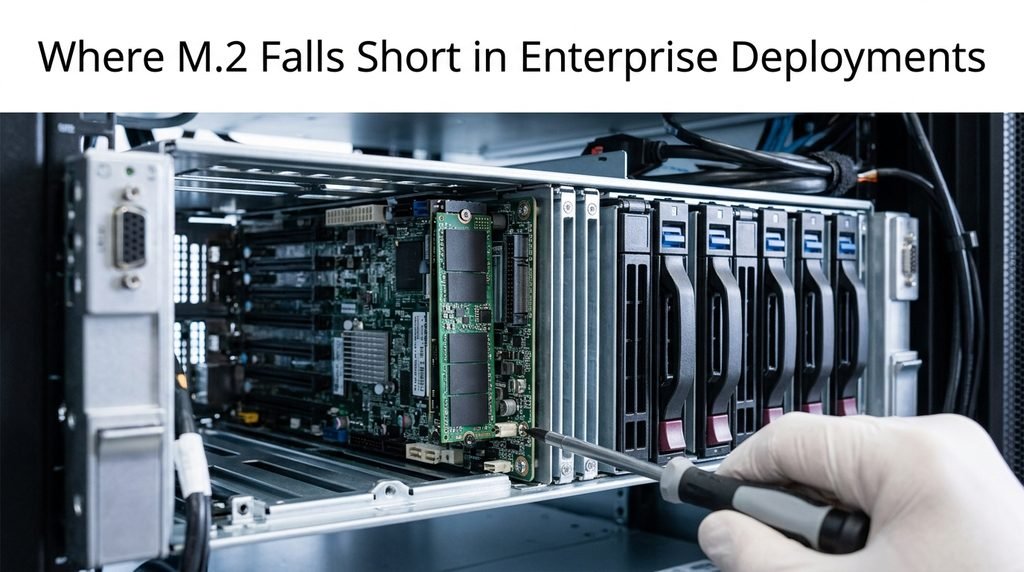
M.2 drives are not hot-swappable in the way U.2 or EDSFF drives typically are. Replacing a failed M.2 drive almost always means powering down the system and opening the chassis, which is a real problem in a production server you can’t easily take offline.
Thermal management is another constraint. M.2 drives are small, and under sustained heavy write loads inside a densely packed server chassis, they can throttle without an adequate heatsink or airflow path, something a 2.5-inch U.2 drive with a larger chassis and better thermal contact handles more gracefully. M.2 also tops out at lower capacities than U.2 or EDSFF in most current product lines, which matters for storage-dense deployments.
M.2 vs. U.2 vs. EDSFF: Which Form Factor Fits Your Deployment
| Form Factor | Hot-Swap | Typical Max Capacity | Best Fit |
| M.2 | No | Up to ~8TB | Boot drives, NAS caching, edge servers |
| U.2 | Yes | Up to ~30TB+ | General-purpose enterprise storage, database servers |
| EDSFF | Yes | Varies by variant, high density per rack unit | Hyperscale and high-density data center deployments |
M.2’s strength is compactness and cost-efficiency for roles that don’t need hot-swap or maximum capacity. Once a deployment needs field-serviceable drives or scales past what M.2 capacities comfortably support, U.2 or EDSFF becomes the more sensible choice.
When to Choose Enterprise M.2 NVMe (And When Not To)
The right call depends heavily on the specific role the drive will play, not just the budget available for it.
- Choose enterprise M.2 NVMe for server boot/OS drives, where capacity needs are modest and hot-swap isn’t a requirement
- Choose it for NAS or SAN caching layers accelerating slower bulk storage, a role several vendors build M.2 slots specifically for
- Choose it for compact edge servers where chassis space and power budget rule out larger form factors
- Avoid it for primary bulk storage arrays where capacity per drive and hot-swap serviceability matter more than compactness
- Avoid it for any deployment where a failed drive requires zero-downtime replacement, since M.2 rarely supports that in practice
What to Check Before You Buy
PCIe generation matters more than most buyers realize — a Gen4 or Gen5 enterprise M.2 drive paired with a Gen3-only motherboard slot will run at the slower speed, negating part of what you paid for.

Check the manufacturer’s compatibility and validation list for your specific server or NAS platform, since enterprise vendors like Synology and Dell validate specific SSD models against specific systems, and using an unvalidated drive can mean losing vendor support if something goes wrong. Warranty terms are also usually tied to endurance rather than a flat time period — many enterprise drives are warrantied until either a fixed number of years or the rated TBW is reached, whichever comes first, so a heavily written drive can exhaust its warranty faster than the calendar would suggest.
Frequently Asked Questions
Is an enterprise M.2 NVMe SSD worth the price premium over a consumer drive? For write-heavy, always-on workloads like databases or virtualization hosts, yes. For light, mostly-read use, the premium is harder to justify.
Can I use an enterprise M.2 NVMe SSD in a regular desktop PC? Yes, physically and electrically it works fine. You just won’t see much practical benefit, since desktop workloads rarely generate enough sustained writes to make the endurance and PLP meaningful.
Does enterprise M.2 NVMe need special cooling? It benefits from a heatsink or active airflow more than most consumer drives do, since sustained writes generate more continuous heat. Most server and NAS chassis with M.2 slots already account for this.
How is DWPD calculated, and what DWPD do I actually need? DWPD equals total warrantied TBW divided by capacity and warranty period in days. Most general server workloads are fine at 1 DWPD; heavy logging or transactional databases often need 3 DWPD or higher.
Can enterprise M.2 SSDs be used for boot drives in servers? Yes, it’s one of their most common roles. Boot drives don’t need huge capacity or hot-swap, which plays to M.2’s strengths.
Conclusion
Choosing an enterprise series M.2 NVMe SSD comes down to matching the drive’s real strengths, sustained endurance and power loss protection, to a role that actually needs them, while recognizing where M.2’s lack of hot-swap support and lower capacity ceiling make U.2 or EDSFF the better fit instead. Get that match right, and an enterprise series M.2 NVMe SSD becomes one of the most cost-effective upgrades you can make to a server’s reliability, not just its speed.
Related Post:
How Is SSD Calculated? The Full Formula, Explained Step by Step
2230 vs 2280 SSD: Which Size Fits Your Device (and Is One Faster?)
1TB vs 2TB SSD: Which One Do You Actually Need?