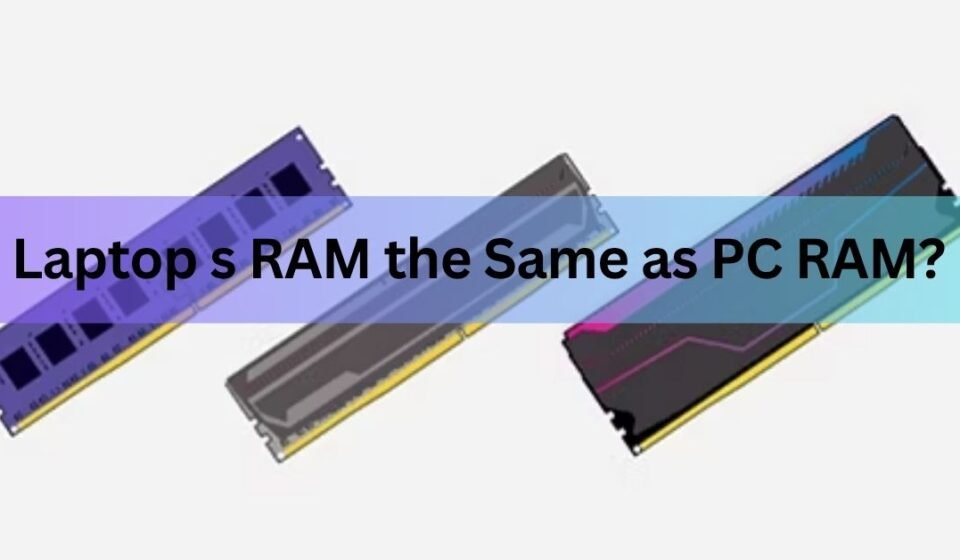

No, laptop RAM and PC RAM are not the same, and you can’t swap one for the other. Most laptops use a short stick called an SO-DIMM or memory soldered to the board. Desktop PCs use a stick about twice as long, called a DIMM.
The memory technology inside is closely related, though. A DDR5 SO-DIMM and a DDR5 DIMM do the same job at the same standard voltage. The real differences are size, connector, top speed, and how easy the memory is to upgrade.
What is the difference between laptop RAM and PC RAM?
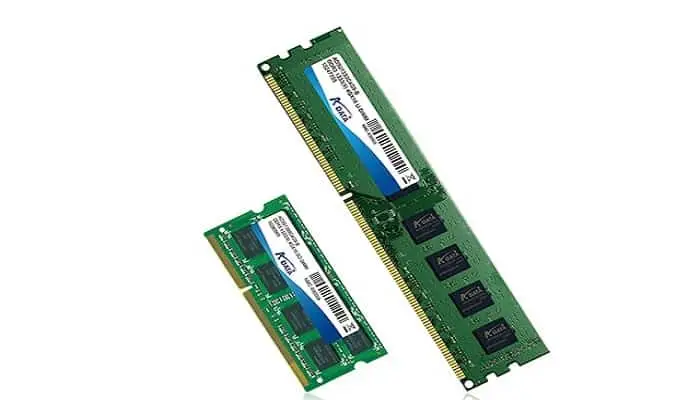
The main difference is physical size. A desktop DDR5 DIMM is 133.35 mm long and 30 mm tall. A laptop DDR5 SO-DIMM is the same height but only 67.6 mm long.
SO-DIMM stands for small outline dual in-line memory module, which is a long way of saying “the compact version.” Here is how the two compare:
| Feature | Laptop RAM | Desktop PC RAM |
| Module type | SO-DIMM, soldered chips, or CAMM2 | DIMM |
| DDR5 length | 67.6 mm | 133.35 mm |
| DDR5 pins | 262 | 288 |
| DDR4 pins | 260 | 288 |
| DDR3 pins | 204 | 240 |
| Standard DDR5 voltage | 1.1V | 1.1V |
| Typical fast DDR5 sticks | 5600 to 6400 MT/s | 6000 to 9600 MT/s |
| Usual number of slots | None, one, or two | Two or four |
| Easy to upgrade? | Depends on the model | Almost always |
MT/s means megatransfers per second. It tells you how many times the memory moves data each second, so a higher number is faster.
Are laptop and desktop RAM the same on the inside?
Standard laptop and desktop RAM are nearly the same on the inside. Electrically, an SO-DIMM and a DIMM of the same generation are close to identical. They use the same kind of memory chips and follow the same generation rules.
The 26-pin gap on DDR5 is smaller than it looks. Fifteen of the missing pins are spares reserved for future use, and the other 11 are extra power and ground pins. Nothing about how the memory stores data changes.
Generation still matters on both sides. DDR4 and DDR5 are not compatible, even though their desktop sticks both have 288 pins. A notch in a different spot stops you from fitting the wrong one.
One type of laptop memory is truly different: LPDDR, or low-power DDR. It is built to save battery and appears in many thin laptops, usually soldered down. You won’t find it on a regular desktop DIMM.
Can you put laptop RAM in a desktop PC?
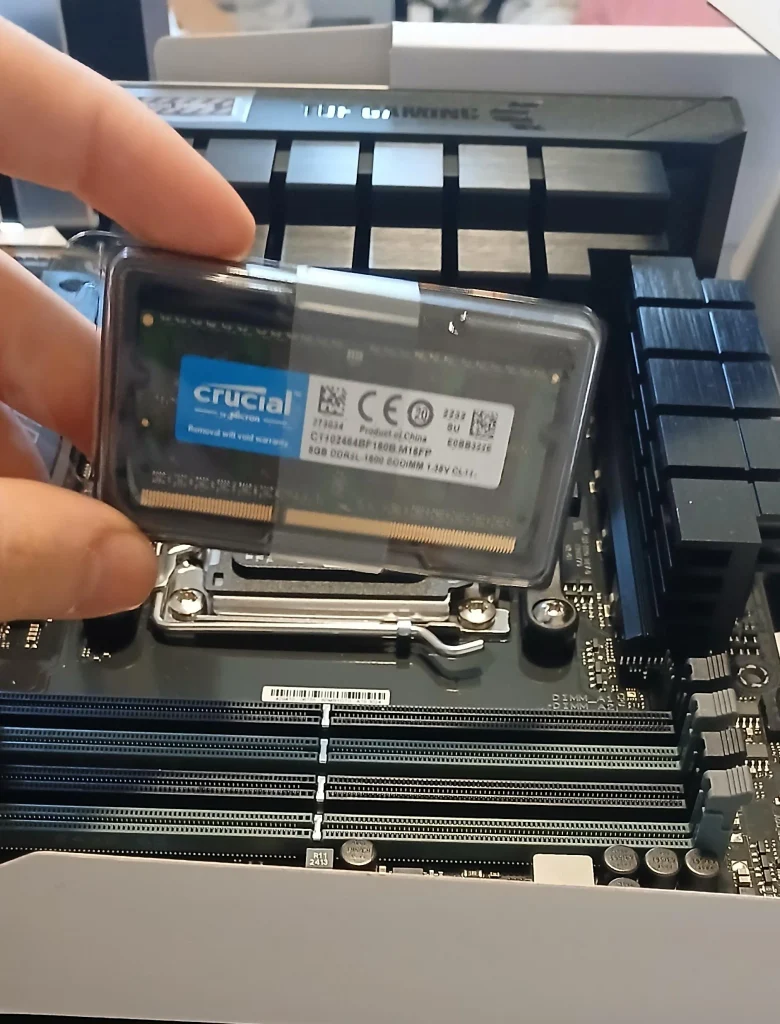
Not directly. An SO-DIMM is too short for a desktop slot, and the key inside the slot blocks it. Don’t force it, because that can damage the slot.
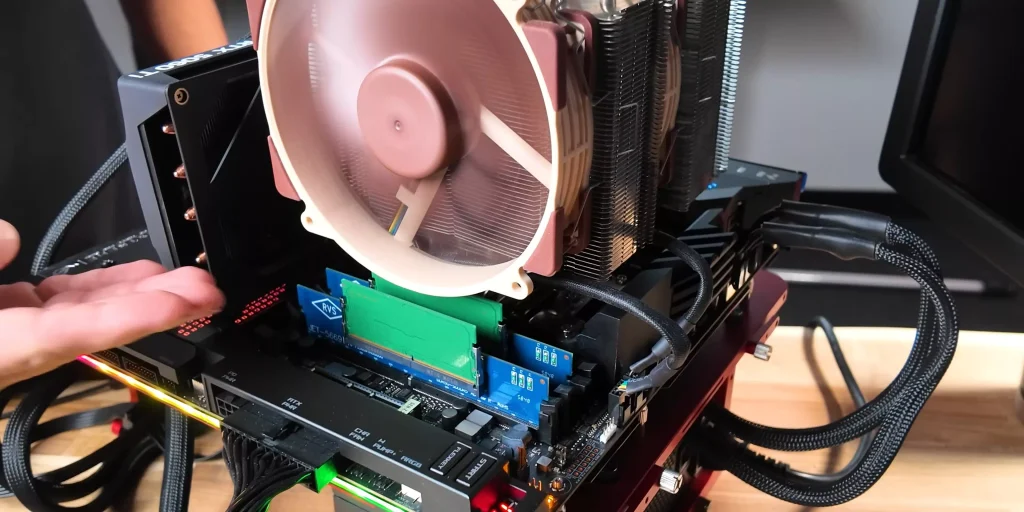
The only way to do it is with an SO-DIMM to DIMM adapter. This is a small board that holds the laptop stick and has a full-size desktop edge. DDR4 and DDR5 versions exist, and they usually cost about $15 to $30.
Laptop memory does work this way, with a few limits:
- Speed: DDR5-4800 is the most dependable target on AMD Ryzen 7000 and 9000 systems and Intel LGA1700 and LGA1851 systems. Higher speeds depend on the CPU and the adapter. Some PCs start at a lower speed until you set it in the BIOS, the setup screen that runs before Windows.
- Height: The adapter makes the stick taller. It can hit a large air cooler or get tight in a small case.
- Stability: Two sticks are easier to run than four. Avoid mixing adapted SO-DIMMs with regular DIMMs, because the pair can become unstable.
Gaming holds up better than you might expect. On a high-end system at 1080p, DDR5-4800 through adapters stays close to a DDR5-6000 desktop kit in most games. Work that leans hard on memory, such as big video projects, has more to lose from the lower speed.
When an adapter makes sense: Use one to reuse spare SO-DIMMs or as a cheap stopgap. For a new build you plan to keep for years, normal DIMMs are simpler and faster.
Price can be the deciding factor. In late 2025, a 16GB DDR5-4800 SO-DIMM cost about €100, while a similar desktop DIMM cost about €146. Memory prices have been moving fast, so compare today’s prices, including the adapter, before you buy.
Can you put desktop RAM in a laptop?
No. A desktop DIMM is about twice the length of an SO-DIMM, and a laptop has no room for it. Adapters only work in the other direction, from small to large. If your laptop has a memory slot, buy an SO-DIMM that matches it.
Is laptop RAM slower than desktop RAM?
At the same speed and timings, no. An SO-DIMM and a DIMM perform almost the same when their specs match. Desktop RAM usually wins only because it is sold in faster versions.
Timings are the other half of the story. CAS latency, shown as CL, is how many clock cycles memory takes to respond, so lower is better. Basic Kingston ValueRAM DDR5-5600 is CL46 in both sizes. At the fast end, Kingston’s desktop FURY Renegade DDR5-6400 is CL32, while its FURY Impact SO-DIMM at the same speed is CL38.
Desktop kits also go much further. Corsair sells high-end desktop kits rated up to 9600 MT/s, far above the 6400 MT/s of fast SO-DIMMs. Desktops have the airflow, power, and board space for that. Laptops have to balance speed against heat and battery life.
Laptops aren’t always behind, though. LPDDR5X memory can reach 9600 MT/s, well past those SO-DIMM speeds.
For daily use, you are unlikely to feel the gap. Running out of RAM slows a computer down far more than a small difference in speed.
Does all laptop RAM come as a stick?
No. Laptop memory comes in three main forms, and only two of them can be replaced:
- SO-DIMM: A removable stick. It’s common in many mainstream and gaming laptops.
- Soldered: Chips fixed to the main board, so you can’t add or replace them. Thin laptops and Apple silicon MacBooks work this way. Some laptops mix soldered memory with one free slot.
- CAMM2: A newer, flat module that presses onto the board instead of plugging into a slot.
CAMM2 is the one to watch. JEDEC published the CAMM2 standard in December 2023, with versions for DDR5 and LPDDR5X. The LPDDR5X version, called LPCAMM2, makes that fast low-power memory replaceable. One module can also provide dual-channel memory, which gives the processor two data paths and normally takes two sticks.
The Lenovo ThinkPad P1 Gen 7 was the first laptop to use it, in 2024, and the Framework Laptop 13 Pro added support in 2026. CAMM2 fits neither SO-DIMM nor DIMM slots.
Do any desktop PCs use laptop RAM?
Yes. Many mini PCs, NUC-style computers, and all-in-ones use SO-DIMMs because they don’t have room for full-size sticks. Some small machines use soldered memory instead.
So the shape of the computer doesn’t settle it. Check the exact model before you buy anything.
How do you check which RAM you need?
The safest way is to look up your exact model. These steps take a few minutes:
- Check Task Manager on Windows. Press Ctrl + Shift + Esc, open Performance, and select Memory. Look for the form factor and slots used. Treat this as a hint, since it doesn’t always prove the memory can be upgraded.
- Find your exact model number. Look on the label under a laptop or in the System Information app.
- Look up the memory spec. Use the maker’s manual or Kingston’s PC Scanner page, which also lets you search by make and model. Confirm the memory type, generation, and maximum capacity.
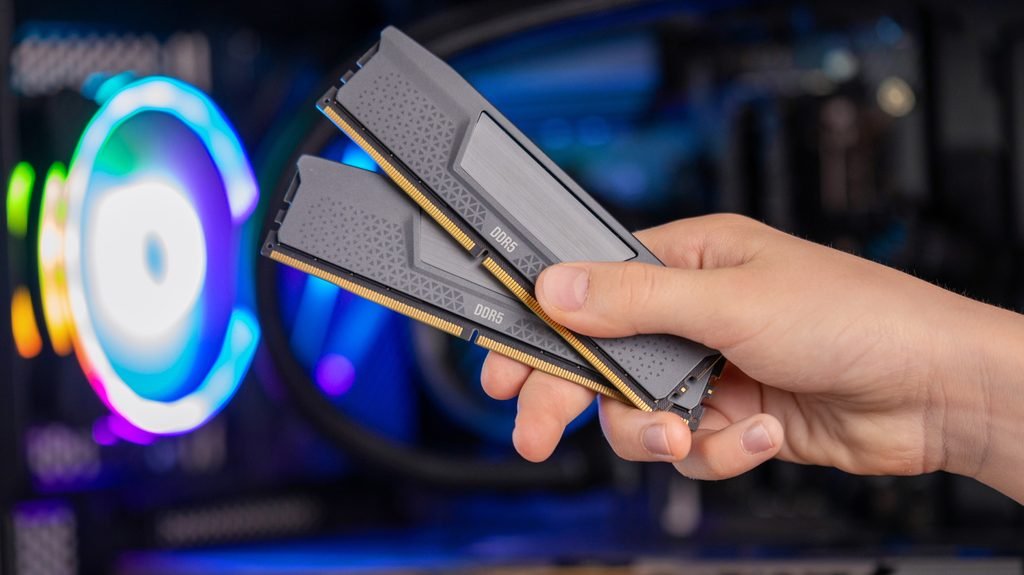
- Read the stick if you have one. Look for “SO-DIMM” or a pin count such as 262. PC5 means DDR5 and PC4 means DDR4, so PC5-44800 is DDR5-5600. If there’s no clear label, measure it: about 67 mm is an SO-DIMM, and about 133 mm is a DIMM.
The maximum capacity is easy to miss. The Asus TUF A16 FA617NS, for example, tops out at 32GB, so a 64GB kit won’t work even though it is the right type.
Buy in this order: right form factor, right generation, then the speed and capacity your machine supports.
Frequently asked questions
Is SO-DIMM the same as DIMM?
No. They are close to identical electrically, but an SO-DIMM is about half as long and has a different pin layout. An SO-DIMM goes in laptops and mini PCs, while a full-size DIMM goes in standard desktops.
Can I use DDR4 laptop RAM in a DDR5 desktop?
No. DDR4 and DDR5 are different generations, so they won’t work together, even with an adapter. A DDR4 SO-DIMM needs a DDR4 adapter and a DDR4 motherboard. The same rule applies to DDR5.
Is it worth using laptop RAM in a desktop?
It can be worth it if you already own spare SO-DIMMs or need a low-cost stopgap. You will likely run at lower speeds and need to check cooler clearance. For a long-term build, normal desktop DIMMs are the better choice.
Can I mix laptop and desktop RAM in one PC?
It’s best to avoid it. Even with an adapter, mixing SO-DIMMs and DIMMs can cause instability and may force the memory to its lowest shared speed. Use matching sticks, ideally from the same kit.
How do I know if my laptop RAM can be upgraded?
Look up your exact model in the maker’s manual or service guide. It will show whether the laptop has slots, soldered memory, or both. If you open the laptop, look for removable sticks held in a slot.
Conclusion
Laptop RAM and PC RAM use closely related technology, but they are not interchangeable. Laptops use SO-DIMMs, soldered chips, or CAMM2, while desktops use longer DIMMs. Before buying, confirm your exact model’s form factor, generation, and maximum capacity. Use an adapter only for reusing spare laptop memory or as a stopgap, and expect lower speeds. If the stick fits your slot and matches your system’s spec, you’ve made the right choice.
Recommended Articles:
Glyph Atom EX40 High-Intensity USB4 NVMe SSD: Full Buyer’s Guide
XPG Xenia G15 Upgrade SSD: 7 Proven Steps for 2026
External SSD for iPhone 17 Pro Max: 7 Proven Picks (2026)
Are SSDs Compatible With All Motherboards? Proven 2026 Guide
Enterprise Series M.2 NVMe SSD: What It Is and When You Need One
Related guides
- How to Determine RAM Speed: Simple Ways to Check How Fast Your Memory Runs
- How to Install a Solid State Drive in a Laptop: A Step-by-Step Guide
- Does Having More SSDs Make Your Computer Faster? What Really Changes
- Are SSDs Compatible With All Motherboards? Proven 2026 Guide
- How to Tell What SSD You Have (Windows and Mac)