
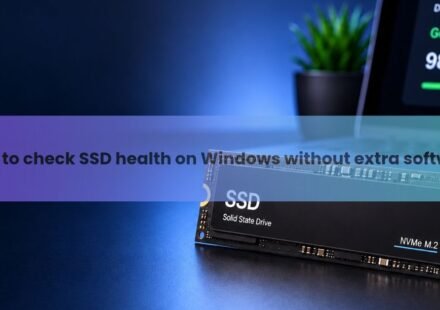
How to check SSD health on Windows without extra software

You don’t always need a download. Windows can give you a quick pass-or-fail answer on its own. Windows Settings (NVMe drives): Open Settings > System > Storage > Advanced storage settings > Disks & volumes. Pick your SSD and click…
How to Determine RAM Speed: Simple Ways to Check How Fast Your Memory Runs
Checking your RAM speed is simple, and you can do it in just a few seconds on Windows or Mac. On Windows, open Task Manager, click the Performance tab, and select Memory. The number displayed next to “Speed” shows how fast your RAM is…
Does Having More SSDs Make Your Computer Faster? What Really Changes
Short answer: not by itself. If your computer already runs on one decent SSD, adding a second or third one will not make Windows boot faster, open apps quicker, or raise your frame rates. Where extra SSDs do help is in specific situations: replacing a…
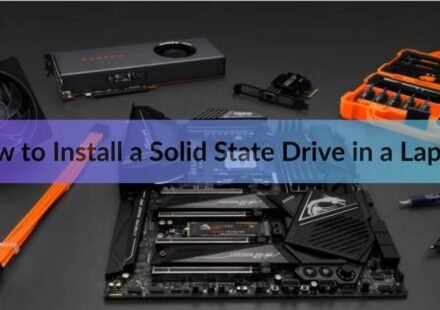
How to Install a Solid State Drive in a Laptop: A Step-by-Step Guide
To install a solid state drive in a laptop, you back up your data, power down and unplug the laptop, remove the back panel, swap out the old drive (or add the SSD to an open slot), and then either clone your old drive or reinstall Windows. Most people…
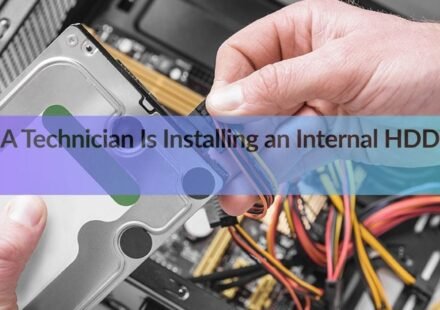
A Technician Is Installing an Internal HDD: Which Connector?
A Technician Is Installing an Internal HDD: The technician connects the data cable to a SATA connector on the motherboard. That is the answer to the exam question, and it is also what happens in a real install. An internal hard drive uses a thin…
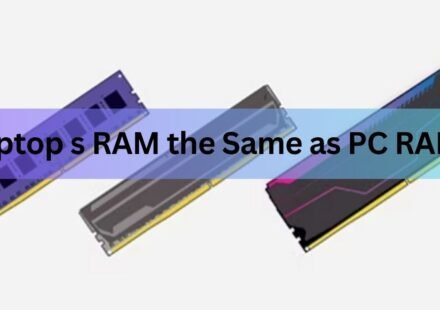
Is Laptop RAM the Same as PC RAM? What Matches and What Doesn’t
No, laptop RAM and PC RAM are not the same, and you can’t swap one for the other. Most laptops use a short stick called an SO-DIMM or memory soldered to the board. Desktop PCs use a stick about twice as long, called a DIMM. The memory technology inside…